
Self Learning
The Self Learning settings page configures how the system automatically links unidentified shadow profiles to real members by correlating visit detection patterns with check-in data.
The system runs periodically, comparing when unidentified faces are detected by cameras against when members swipe their access cards. If the same member is consistently present at every detection over time, the system creates a match. This is especially useful for members without a valid profile photo, or whose existing photo is low quality — the system can identify them through behaviour rather than facial recognition alone.
Preset Configurations
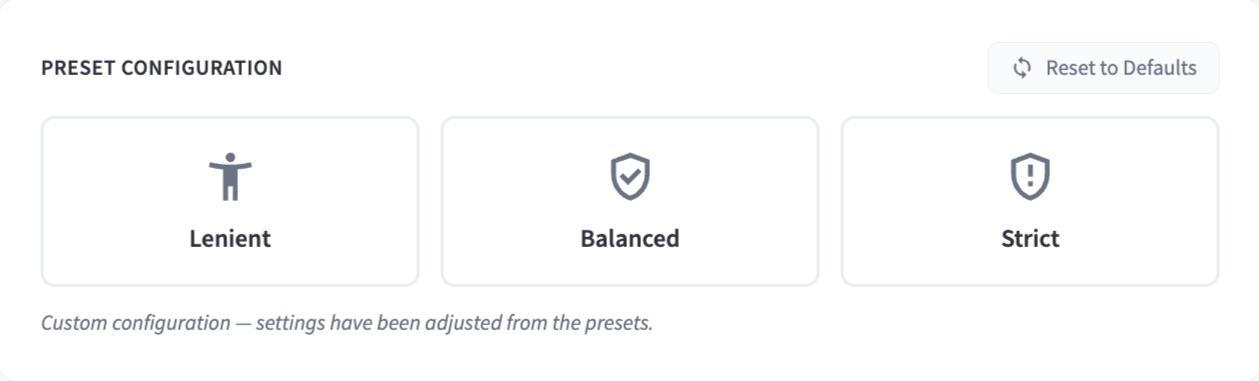
| Preset | Description |
|---|---|
| Lenient | Fewer visits required, broader time window; learns faster but may produce less reliable matches |
| Balanced | General use; standard visit count and timing requirements |
| Strict | More visits required, tighter timing; slower to learn but produces higher confidence matches |
Use Reset to Defaults to restore original values.
Matching Thresholds
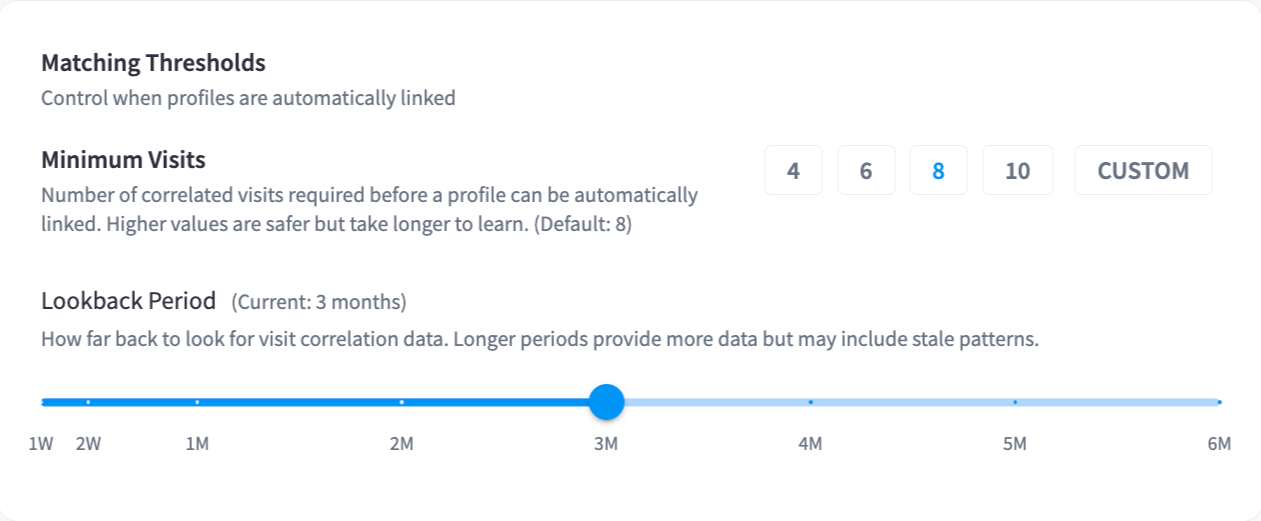
| Setting | Description | Default |
|---|---|---|
| Minimum Visits | Number of correlated visits required before a profile can be automatically linked. Higher values are safer but take longer to learn. | 8 |
| Lookback Period | How far back the system looks for visit correlation data. Longer periods provide more data but may include stale patterns. | 3 months |
Presets for Minimum Visits: 4, 6, 8, 10, or Custom.
Timing Window
Defines how far before and after a detection to search for a matching member check-in. A typical pattern is: the member swipes their card at the entrance, walks into the facility, and is detected by a camera within a few minutes.
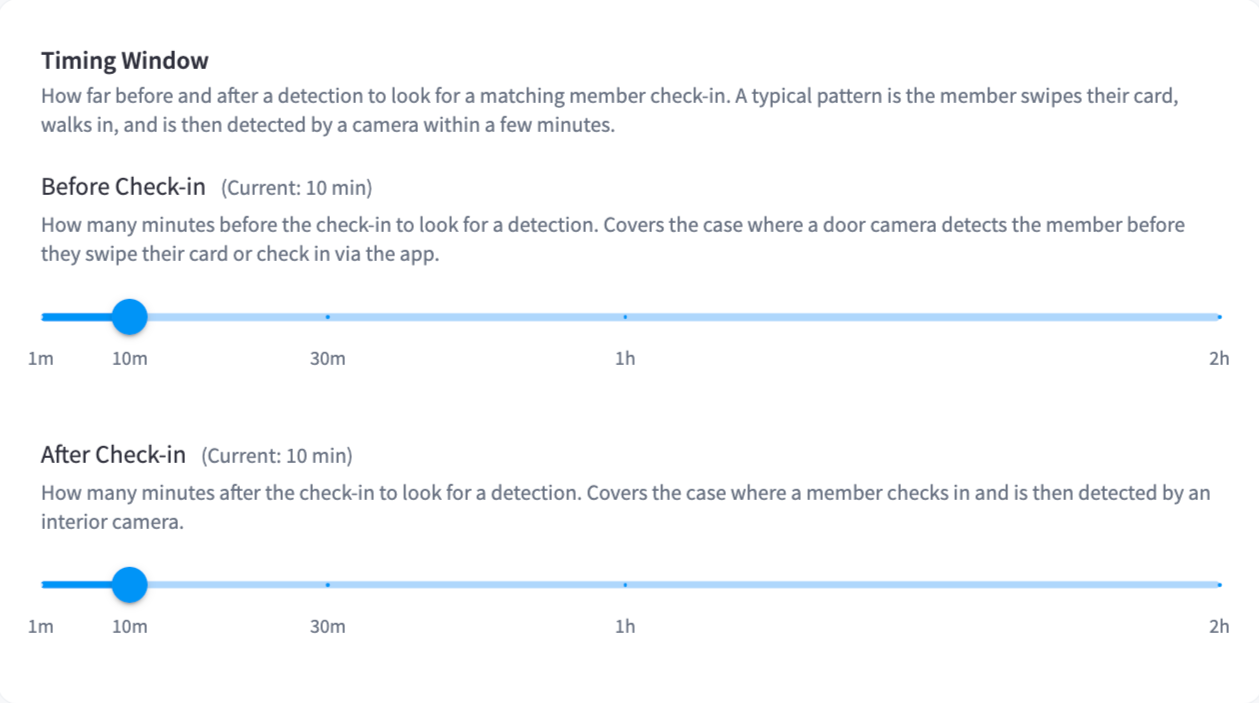
| Setting | Description | Default |
|---|---|---|
| Before Check-in | How many minutes before the check-in to look for a detection. Covers cases where a door camera detects the member before they swipe. | 10 mins |
| After Check-in | How many minutes after the check-in to look for a detection. Covers cases where a member checks in and is then picked up by an interior camera. | 10 mins |
Validation Checks
Additional checks applied before automatically linking a match. When a check fails, the match is sent to Pending Review for human approval instead of being confirmed automatically.
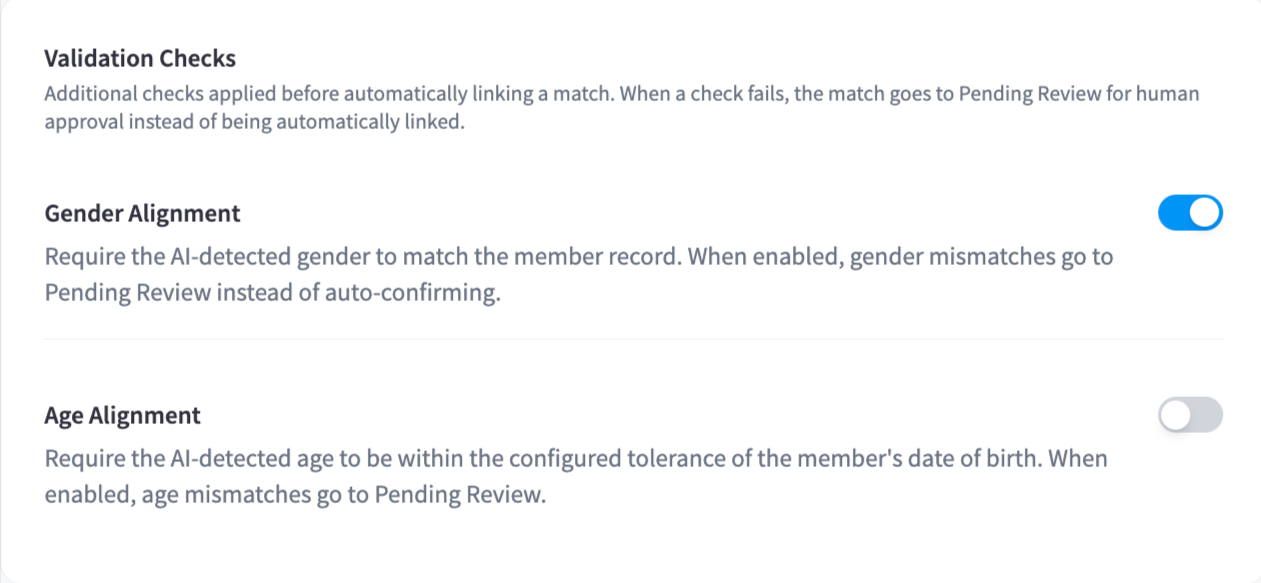
| Setting | Description | Default |
|---|---|---|
| Gender Alignment | Requires the AI-detected gender to match the member record. Mismatches go to Pending Review. | Enabled |
| Age Alignment | Requires the AI-detected age to be within a configured tolerance of the member's date of birth. Mismatches go to Pending Review. | Disabled |
Note: Validation checks add an extra layer of confidence before automatic linking. If you want full manual control, enable both checks and review all matches in Pending Review.