
Blacklist Faces
The Blacklist Faces settings page lets you upload images of faces that should be excluded from the recognition system entirely. This is useful for static images such as posters, artwork, or any specific face you do not want the system to process or track.
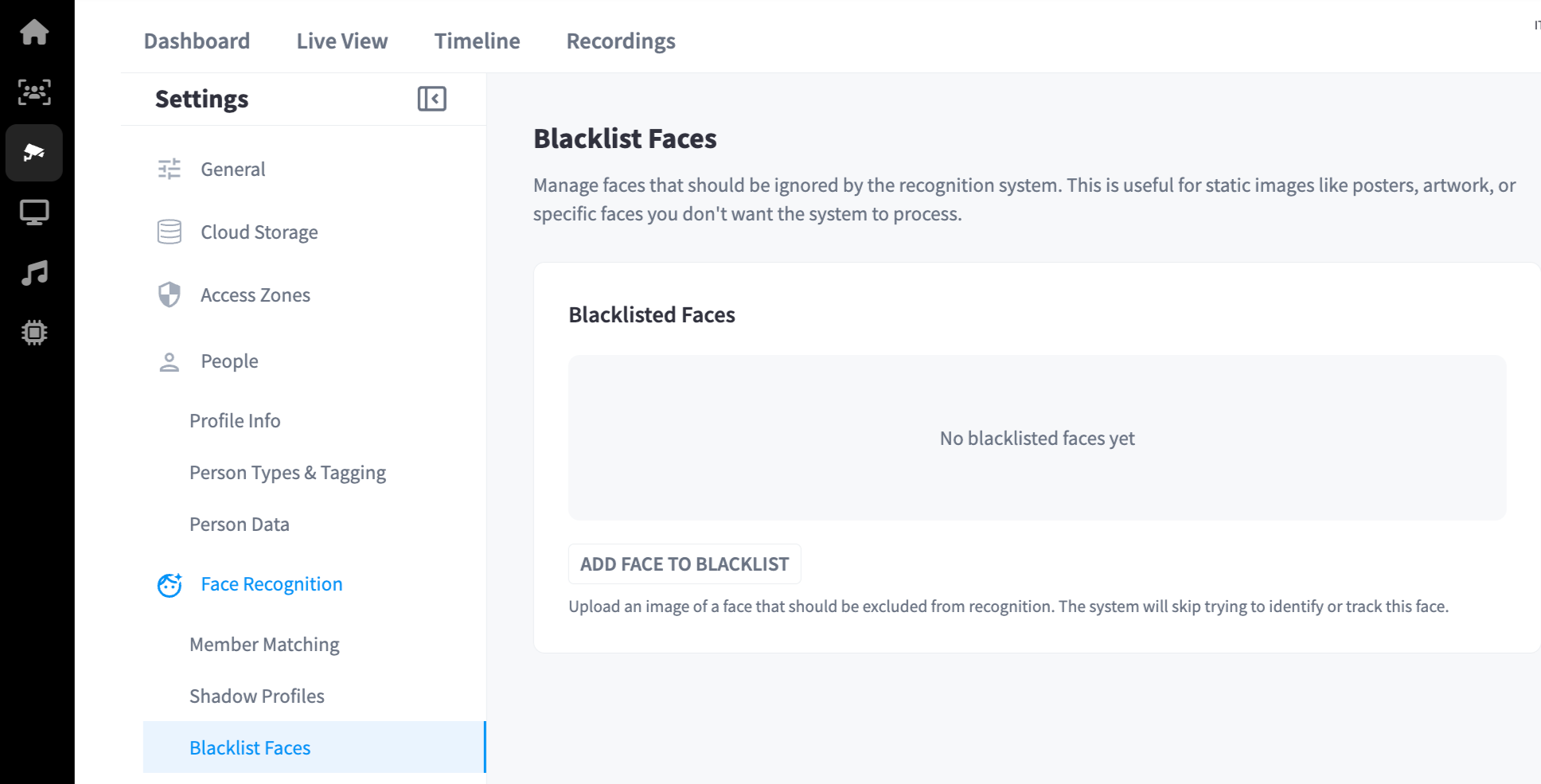
Blacklisted Faces
Any face added to the blacklist is skipped by the recognition system — the system will not attempt to identify or track it.
The page shows all currently blacklisted faces. When no faces have been added, it displays: No blacklisted faces yet.
Adding a Face to the Blacklist
- Click Add Face to Blacklist
- Click Choose File to upload an image containing the face to be excluded
- The system will register the face and exclude it from all future recognition processing
Note: Use clear, front-facing photos for best results. If the face in the uploaded image is not detected reliably, it may not be excluded consistently.