
Reports
The Reports settings page configures how sentiment scores are calculated from detected facial expressions. Scores range from -10 (negative) to +10 (positive) and appear in Reports and Activity Logs.
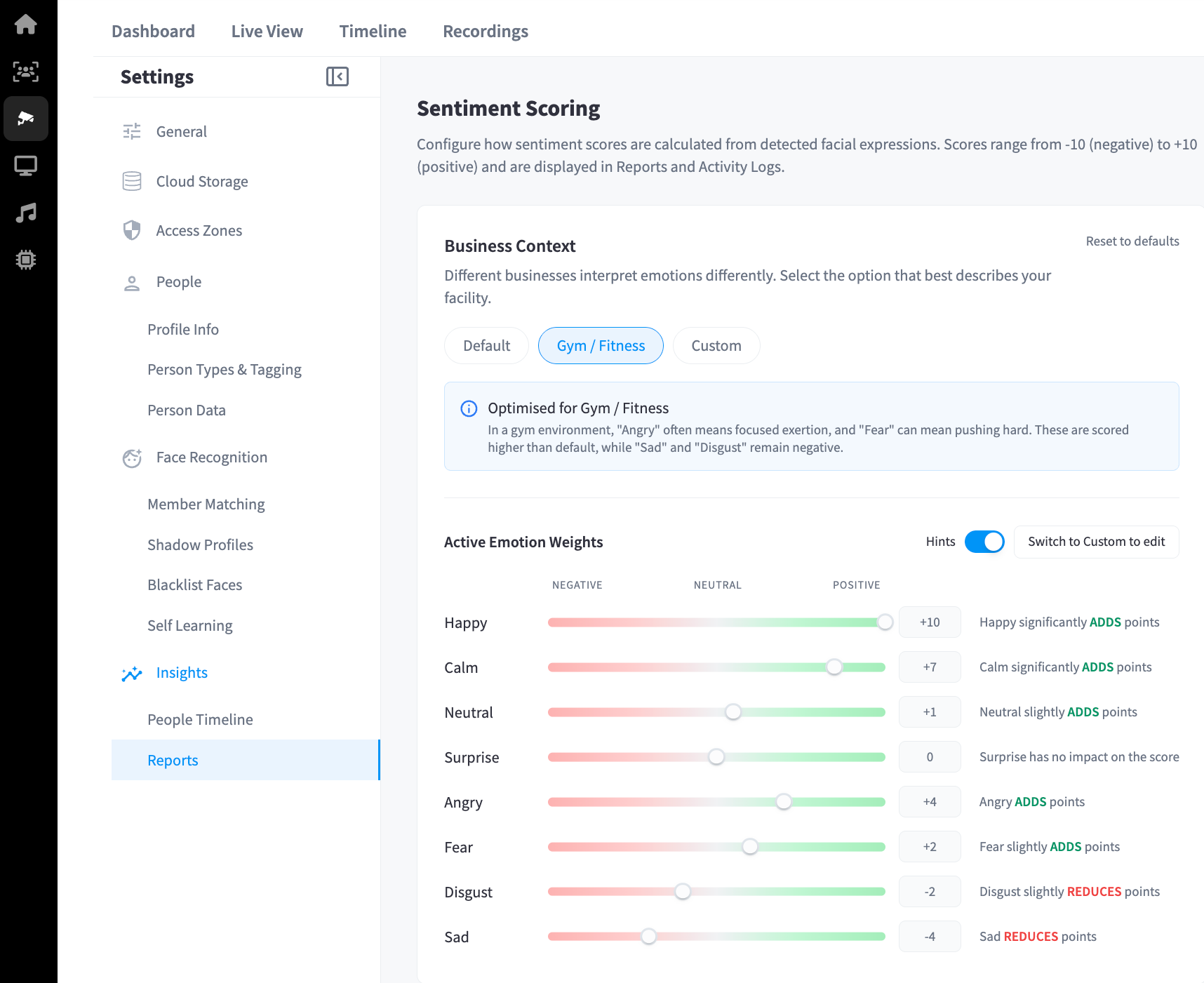
Business Context
Different businesses interpret emotions differently. Selecting a business context applies a preset weighting to each detected emotion that reflects how those emotions are typically expressed in that environment.
| Preset | Description |
|---|---|
| Default | Standard emotion weights with no business-specific adjustments |
| Gym / Fitness | Adjusted for fitness environments where "Angry" often indicates focused exertion and "Fear" can indicate pushing hard — both are scored higher than default. "Sad" and "Disgust" remain negative. |
| Custom | Manually adjust the weight of each emotion individually |
Use Reset to defaults to restore the original configuration.
Emotion Weights
Each detected emotion has a weight that determines how much it adds to or subtracts from the overall sentiment score. Weights can be viewed with or without hints by toggling the hints switch.
Gym / Fitness Preset Weights
| Emotion | Impact | Score Effect |
|---|---|---|
| Happy | +10 | Significantly adds points |
| Calm | +7 | Significantly adds points |
| Neutral | +1 | Slightly adds points |
| Surprise | 0 | No impact |
| Angry | +4 | Adds points (interpreted as focus/exertion) |
| Fear | +2 | Slightly adds points (interpreted as effort) |
| Disgust | -2 | Slightly reduces points |
| Sad | -4 | Reduces points |
Note: To customise individual emotion weights, select the Custom preset. Weights cannot be edited while a standard preset is active.