
General Settings
The General settings page manages local browser preferences and system-wide toggles for the CCTV application.
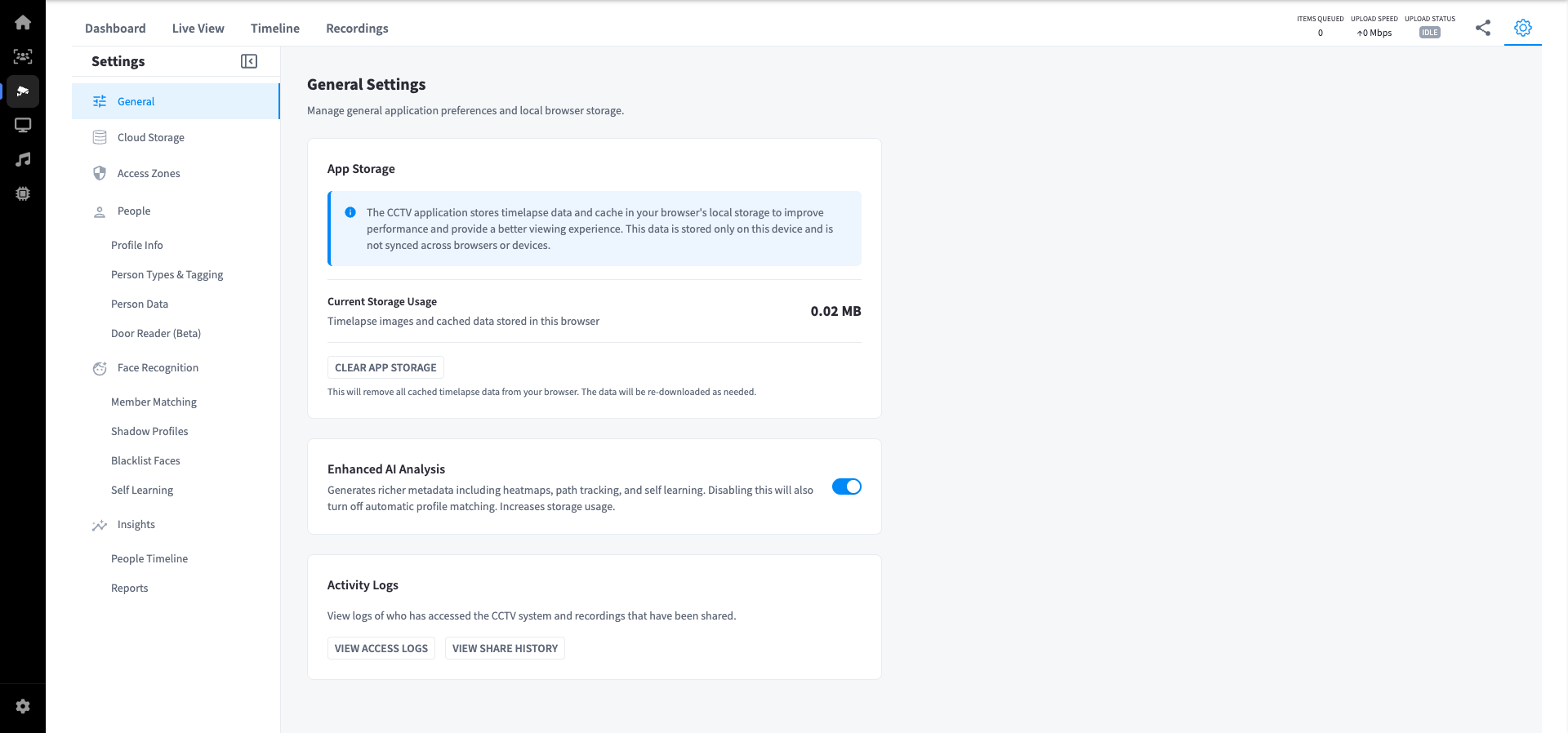
App Storage
The CCTV application stores timelapse data and cache in your browser's local storage to improve performance and provide a better viewing experience. This data is stored only on the current device and is not synced across browsers or other devices.
| Field | Description |
|---|---|
| Current Storage Usage | Size of timelapse images and cached data stored in this browser |
Clear App Storage — removes all cached timelapse data from the browser. The data is re-downloaded automatically as needed.
Note: Clearing app storage only affects the current browser. It does not delete any recordings or data from the cloud.
Enhanced AI Analysis
Toggles richer AI metadata generation for CCTV footage.
When enabled, the system generates:
- Heatmaps
- Path tracking
- Self-learning profile matching
| State | Effect |
|---|---|
| Enabled (default) | Full AI analysis active; automatic profile matching enabled; storage usage higher |
| Disabled | Reduces storage usage; automatic profile matching is also turned off |
Note: Disabling Enhanced AI Analysis also disables automatic member profile matching. Re-enabling resumes analysis on new footage going forward.
Activity Logs
Provides an audit trail of CCTV system access and recording share history.
| Action | Description |
|---|---|
| View Access Logs | Shows a log of who has accessed the CCTV system |
| View Share History | Shows a history of recordings that have been shared |
Use these logs to monitor for unauthorised access or to review sharing activity at your facility.