
Person Data
The Person Data settings page controls which fields appear when adding a new person to the CCTV system, and how people added in CCTV interact with your Partner system.
Data Sync
Controls whether people added in the CCTV system are also written to your Partner system.
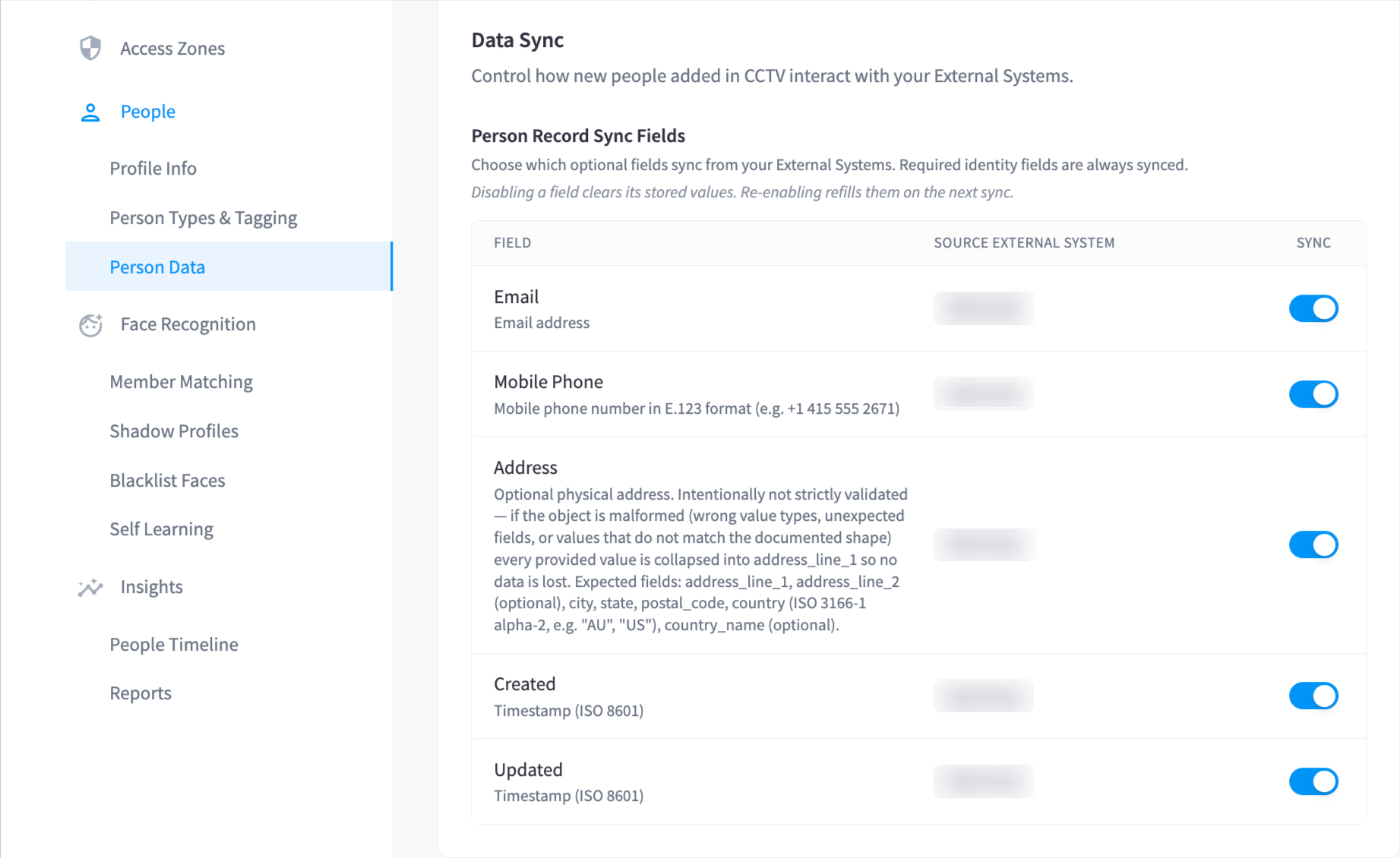
| Setting | Description |
|---|---|
| Save a copy to Partner Table | When enabled, new people added from the People list are also created in your Partner system. When disabled, they exist only in CCTV. |
Note: If this is disabled, people added in CCTV will not appear in your Partner system and won't be accessible outside of CCTV.
Add Member Fields
Choose which optional fields appear in the Add Member dialog. The following fields are always shown and cannot be hidden: first name, last name, type, tags, and photo.
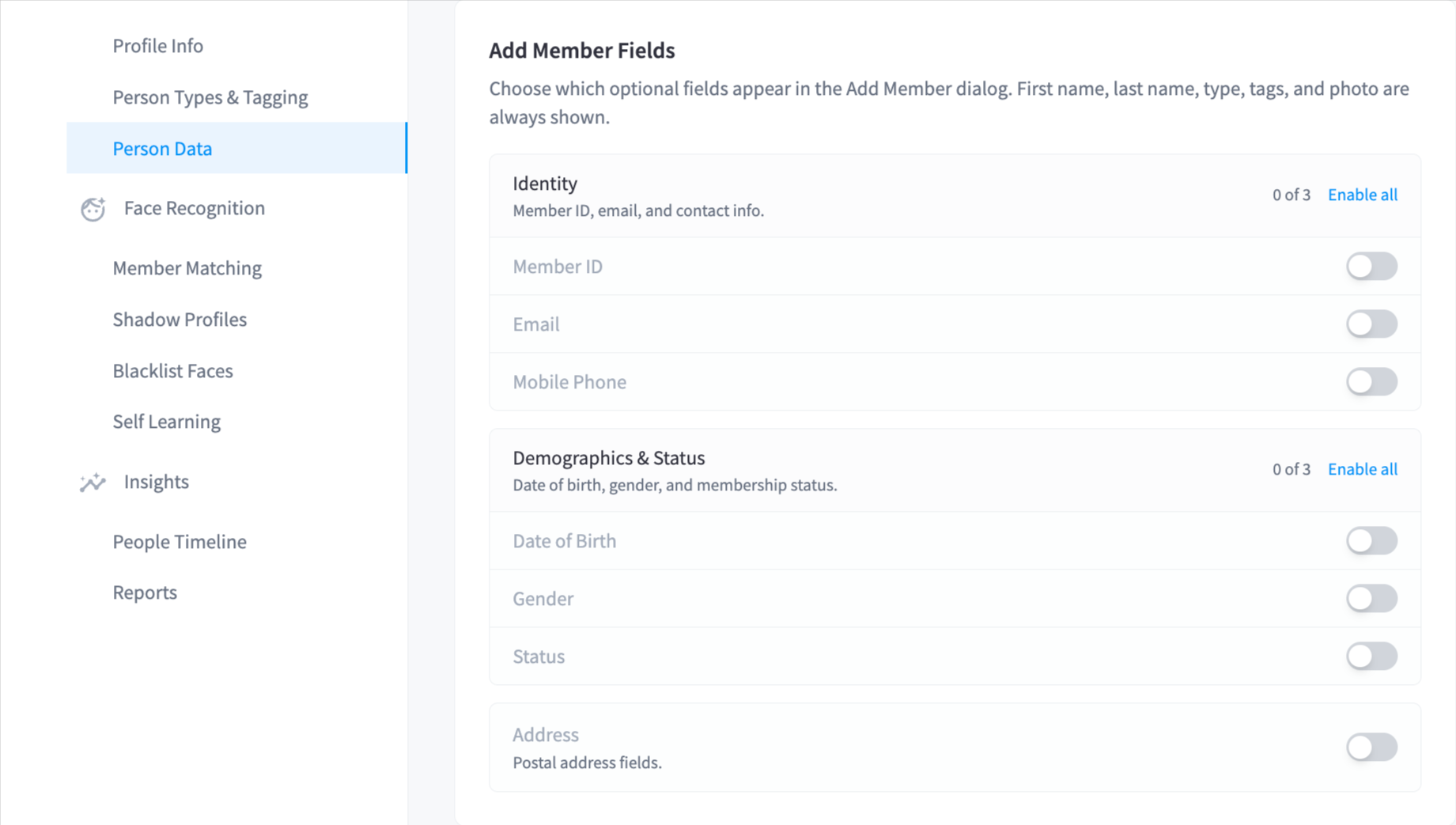 All other fields are optional and can be enabled or disabled by group:
Identity
| Field | Description |
|---|---|
| Member ID | The member's external ID from your Partner system |
| Email address | |
| Mobile Phone | Mobile phone number |
Demographics & Status
| Field | Description |
|---|---|
| Date of Birth | Member's date of birth |
| Gender | Gender |
| Status | Membership status |
Address
| Field | Description |
|---|---|
| Address Line 1 | Street address |
| Address Line 2 | Apartment, suite, or unit |
| City | City or suburb |
| State | State or territory |
| Postal Code | Postcode |
| Country | Country code |
| Country Name | Country name (text) |
Each group also has an Enable all button to turn on all fields in that group at once.