
Door Reader (Beta)
The Door Reader settings page configures who is granted access when they present themselves at the facility's door reader. This feature is in Beta.
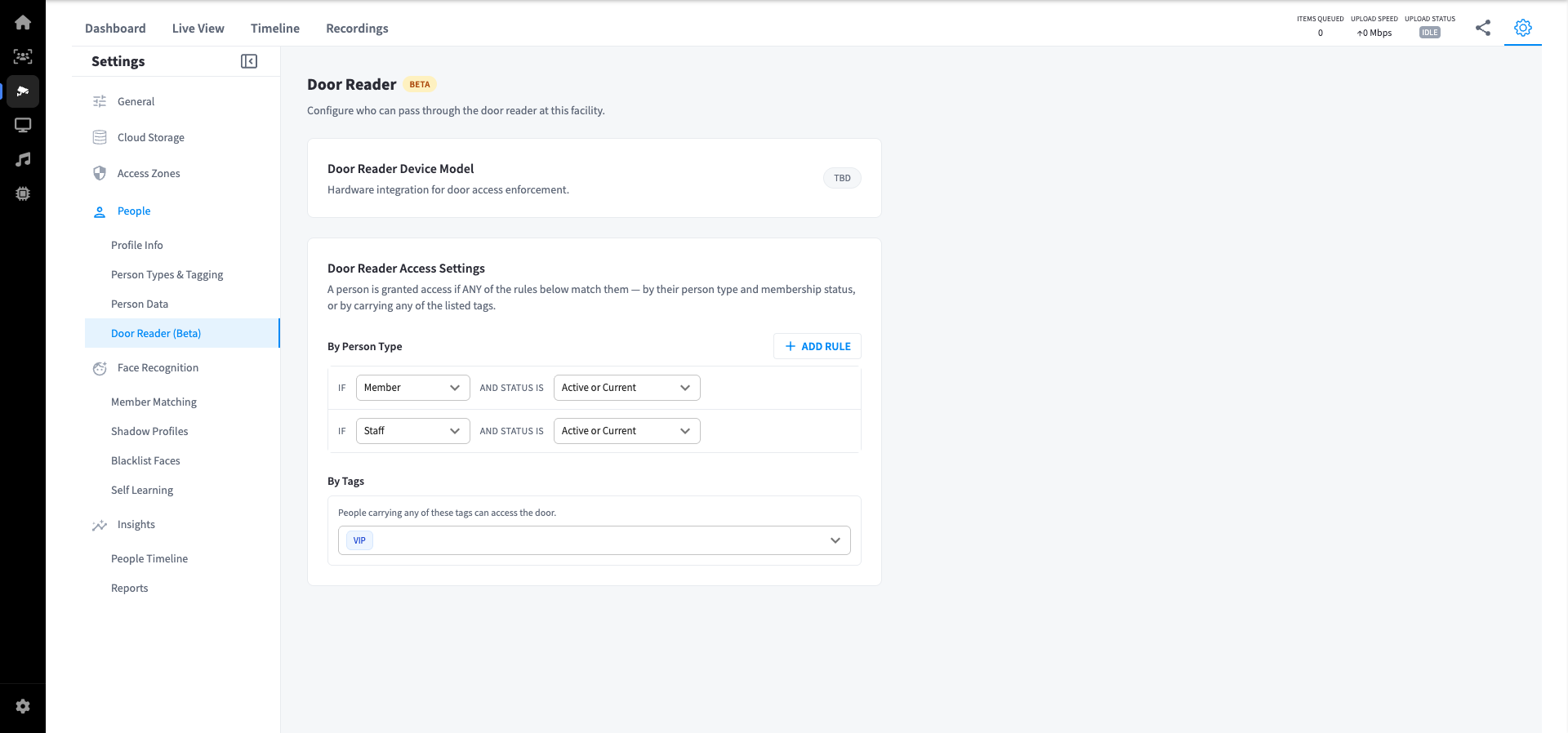
Door Reader Device Model
Displays the hardware model for the door reader integration. The specific device model is configured separately during hardware setup.
Door Reader Access Settings
A person is granted access if any of the configured rules match them. Rules can be based on person type and membership status, or by tag.
By Person Type
Rules in this section grant access based on a person's type and their membership status.
| Field | Description |
|---|---|
| Person Type | The type of person the rule applies to (e.g. member, staff) |
| Status | The membership status required for access (e.g. Active or Current) |
Multiple rules can be added. Click Add rule to create a new type-based rule, or Remove rule to delete one.
Default rules:
memberAND status isActive or CurrentstaffAND status isActive or Current
By Tags
People carrying any of the listed tags are granted access regardless of their person type or membership status.
Default tag: VIP
Add or remove tags to control which tagged people can pass through the door reader.
Note: Access is evaluated using OR logic — a person only needs to match one rule (by type/status or by tag) to be granted entry.