
Organisation Settings
Organisation Settings holds the "settings that apply across your organisation": how your organisation appears and is invoiced, the modules it uses, the public holidays added to your facilities, and the settings for each of your brands. Whether you run a group of offices, a retail chain, a hospitality group, a school, a network of clinics or a gym chain, you set these once and every facility follows them.
Quick reference
Where to find it: Settings (cog icon, bottom left) → Organisation Settings
Who can access: Organisation admins: people with the Organisation Administrator role, or with any role that has organisation admin access. Holiday Management is the exception; see Who sees what.
Purpose: Keep your organisation's details, modules, public holidays and brands correct in one place
The page
Organisation Settings has two tabs:
- Organisation: a side nav with Details, Billing, Modules and Holiday Management.
- Brands & Customisation: the settings for each of your brands, one brand at a time.
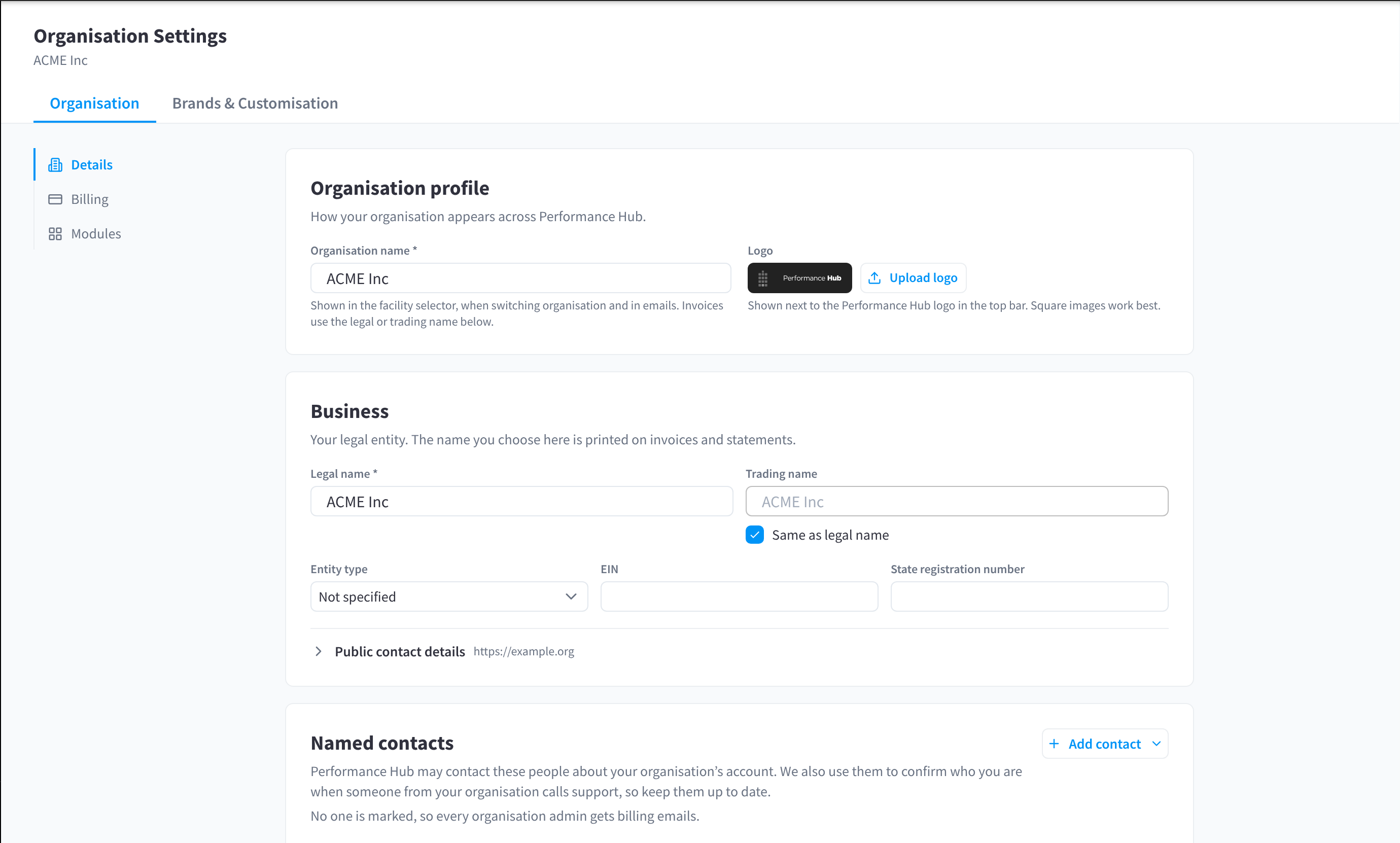
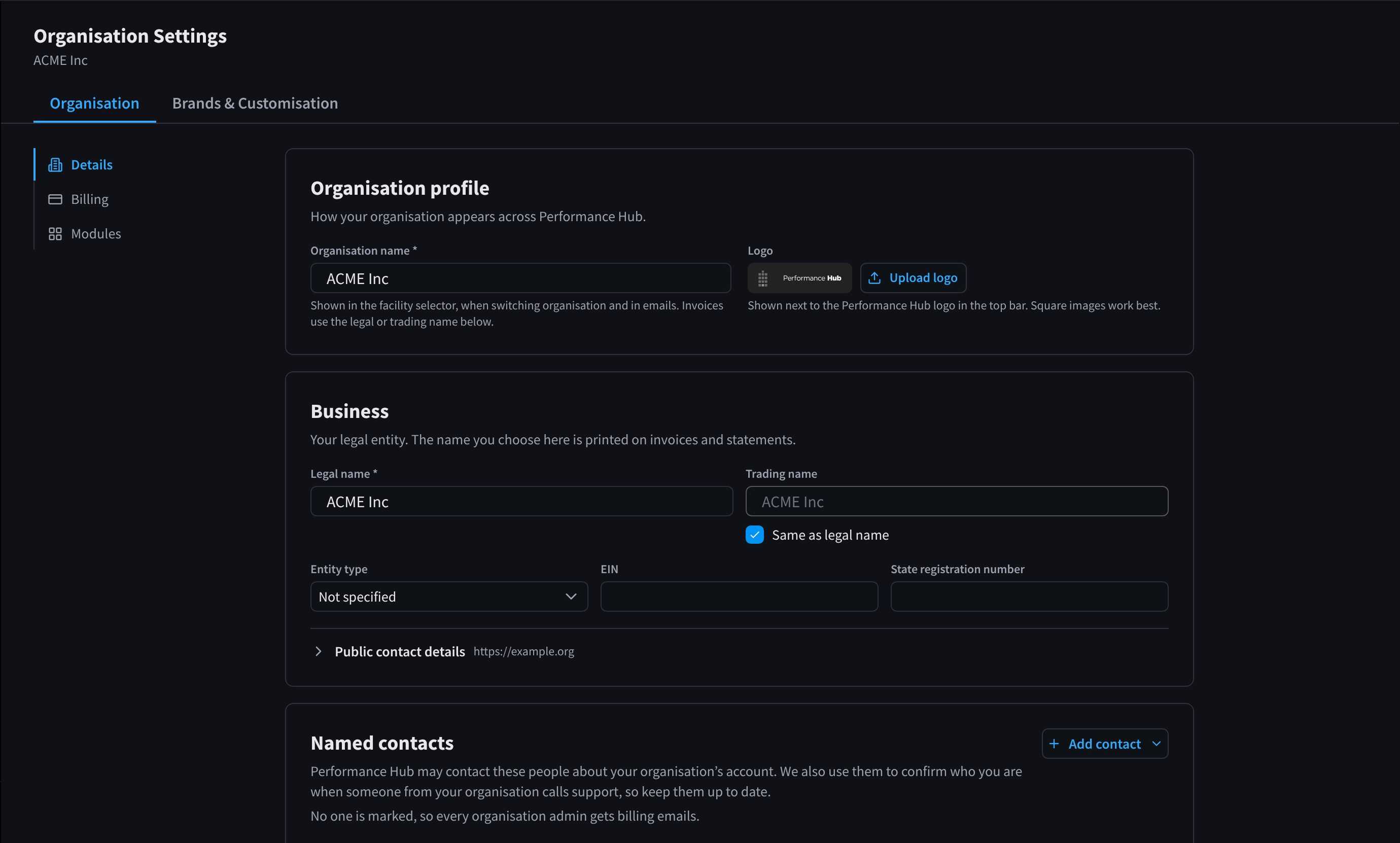
Figure 1: Organisation Settings, open on Details. The side nav lists the Organisation pages you have access to.
Who sees what
You only see the pages you have access to.
| Page | Who sees it |
|---|---|
| Details | Organisation admins |
| Billing | Organisation admins, and only when your organisation has Organisation Billing. Billing appears only for Technology Stack organisations. |
| Modules | Organisation admins |
| Holiday Management | Anyone whose role gives them Holiday Management at the selected facility. The facility must allow the module too. |
| Brands & Customisation | Organisation admins |
Payment method notice
If your organisation pays for its facilities but has no payment method, a notice at the top of Organisation Settings says "Your organisation pays for its facilities but has no payment method. Add one so its statement can be paid and facilities aren’t locked out." Click Add payment method to add one. See No payment method notice.
Documentation guide
| Page | What you do there |
|---|---|
| Organisation Details | Your organisation's name and logo, its legal entity, named contacts and addresses |
| Holiday Management | Choose which public holidays are added to your facilities' holiday hours |
| Brands & Customisation | Switch between brands, add a brand, and set each brand's name and landing page |
| Brand modules | Give the facilities under a brand their own set of modules |
| Brand content & integrations | What facility users can edit, the boot screen for display screens, dashboard banners, partner integrations and workflow templates |
| Brand access & security | Which roles give staff door access, and duress response plans |
| Modules | The modules your organisation uses, and whether new modules are turned on automatically |
| Billing | Who pays, and your organisation's costs, statements and payment settings. See also Overview & Facilities, Insights & Statements and Payment Settings. |
| Common questions | Answers to common questions about Organisation Settings |
Related pages
- Finding your way around: the settings menu
- Identity & Access Management: people, roles and facilities
- Facility & System Configuration: each facility's details, location and hours