
Modules
Modules lists every module your organisation can use, with a switch for each. Most organisations use Performance Hub's defaults and never change them.
Quick reference
Where to find it: Settings (cog icon) → Organisation Settings → Organisation → Modules
Who can access: Organisation admins
Purpose: Turn modules on or off for your whole organisation
Performance Hub's default modules
The banner at the top says "Your organisation uses Performance Hub’s default modules": "Most organisations never need to change anything here. Use this page only if you want to explicitly override the defaults, for example to turn off parts of Performance Hub your organisation doesn’t use."
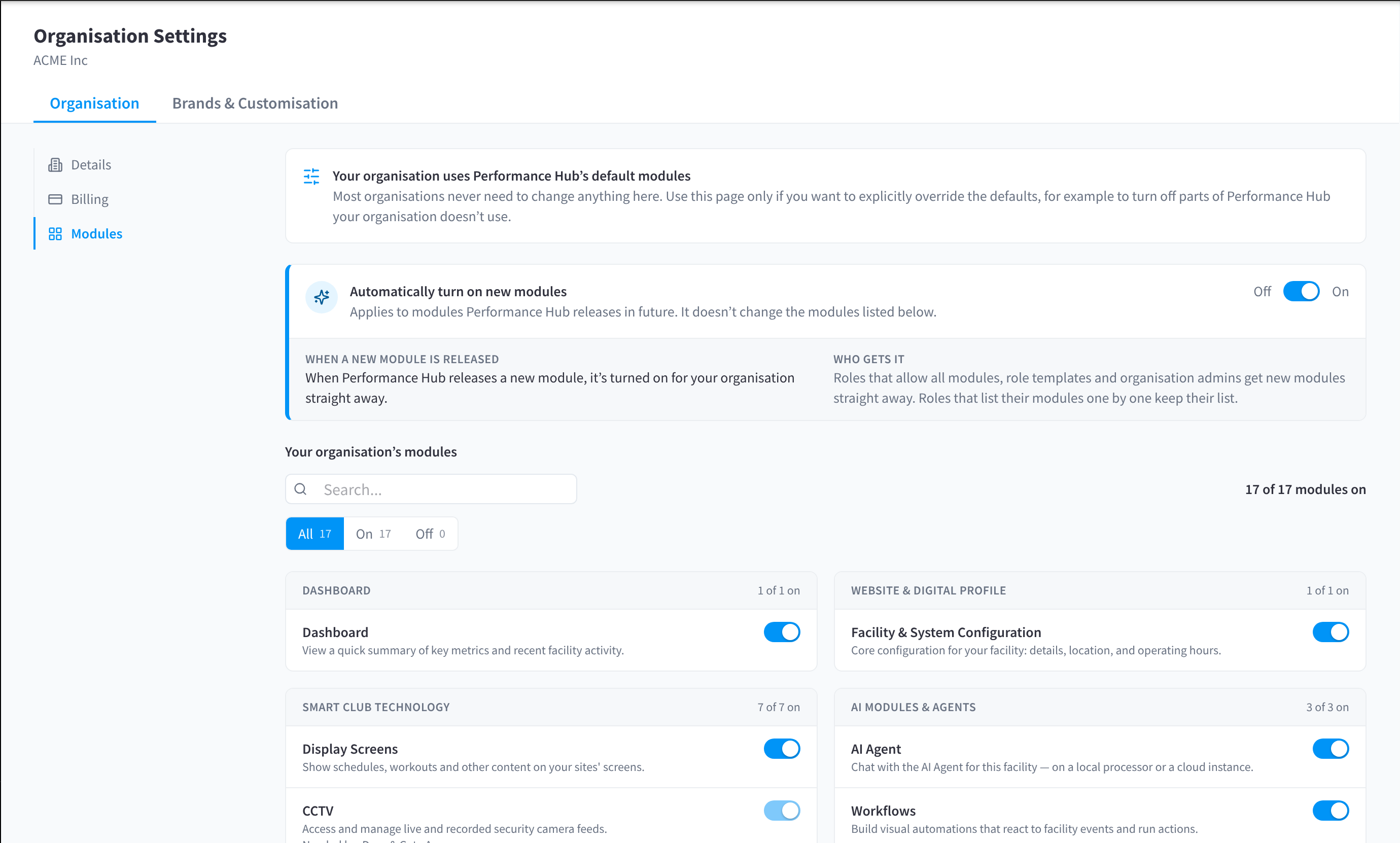
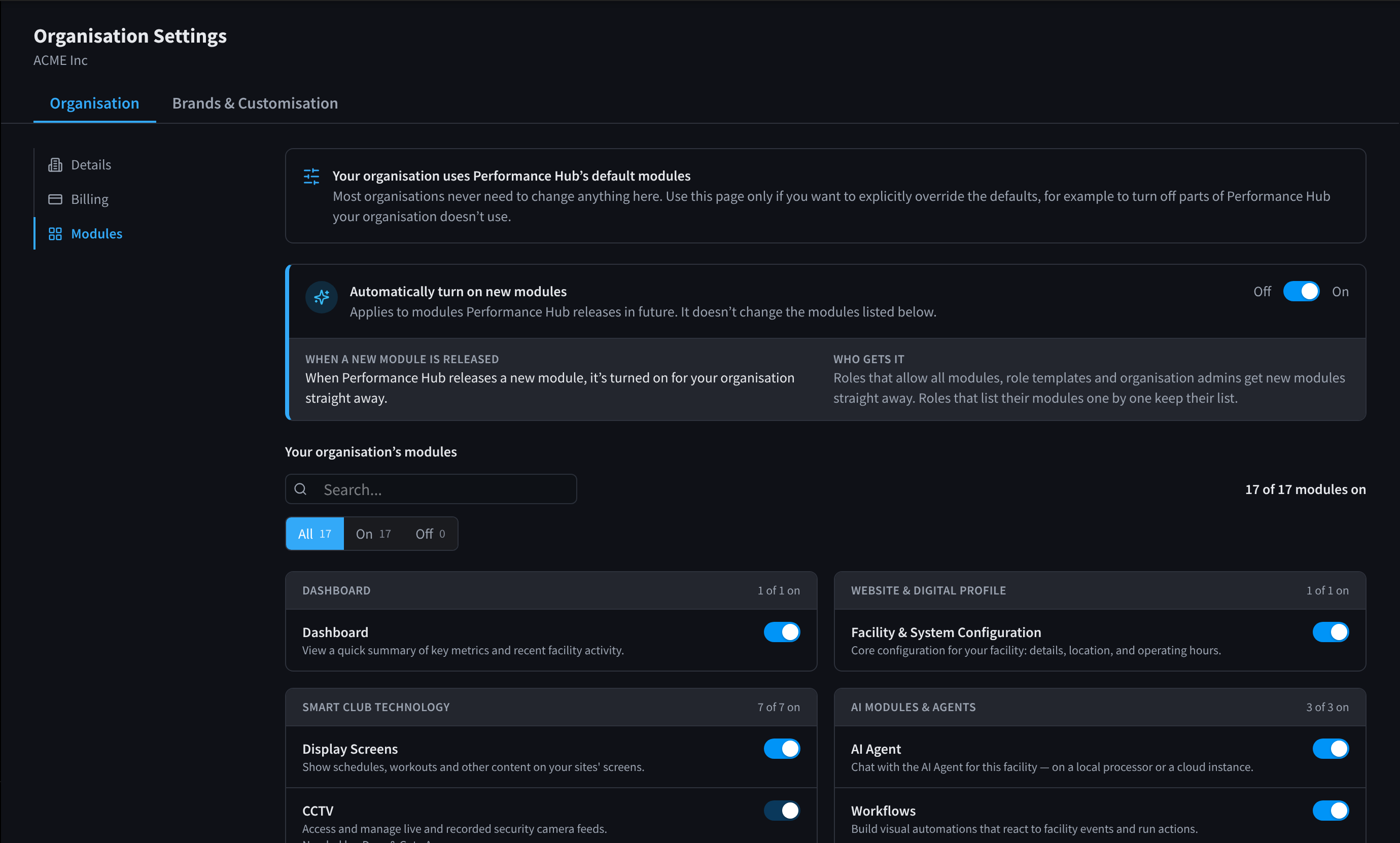
Figure 1: Organisation Settings, Modules: your organisation's modules, grouped by category
Automatically turn on new modules
Automatically turn on new modules (Off / On): "Applies to modules Performance Hub releases in future. It doesn’t change the modules listed below."
- When a new module is released: "When Performance Hub releases a new module, it’s turned on for your organisation straight away."
- Who gets it: "Roles that allow all modules, role templates and organisation admins get new modules straight away. Roles that list their modules one by one keep their list."
Your organisation's modules
Your organisation’s modules lists the modules by category, such as Dashboard, Website & Digital Profile, Smart Club Technology and AI Modules & Agents, with one switch per module.
- Type in Search to find a module.
- Use All, On and Off to show only some modules. The count shows how many are on, for example "17 of 17 modules on".
- Turn a module's switch off to stop your organisation using it, for example Audio Control if none of your sites play music.
A module that's off here isn't available at any facility in your organisation, whatever its brand, facility settings or roles allow.
To give one brand a different set of modules, use Brand modules instead.
Related pages
- Modules in Getting started: what decides the modules you see
- Brand modules: modules for one brand's facilities
- Access scope & module access: the modules a role gives