
Brand access & security
A brand's Access & security sections decide which staff get door access at the brand's facilities, and hold the brand's duress response plans.
Quick reference
Where to find it: Settings (cog icon) → Organisation Settings → Brands & Customisation → a brand → Door access or Duress
Who can access: Organisation admins
Purpose: Control staff door access and duress response for every facility under a brand
A section shows only when your organisation has a module that uses it.
Door access
"Door access for staff": "Choose which Performance Hub IAM roles give staff door access through Door & Gate Access at facilities under this brand."
| Option | What it means |
|---|---|
| Only selected roles | "Only staff holding a role you tick get door access. New roles aren’t added automatically." |
| All roles except | "Staff with any role get door access except the roles you block, including new roles as they’re created." |
The list groups your Custom roles and the Performance Hub role templates, and shows how many people hold each role. Use Search, the All, Blocked and Allowed filters, and Block all or Unblock all to work through it.
For example, a retail brand might give door access only to its Store Manager and Front Desk roles, while a coworking brand gives it to every role except a Viewer role.
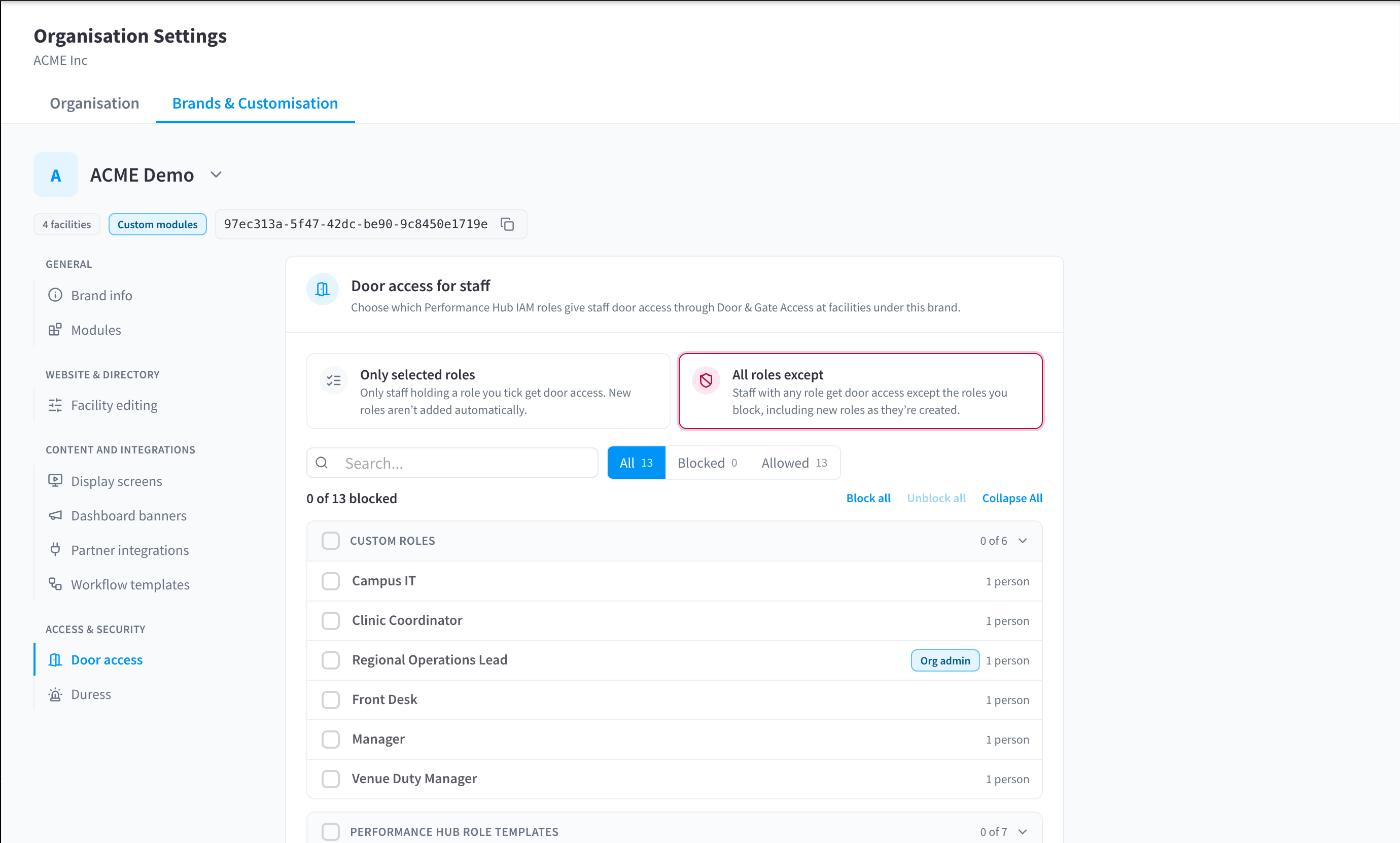
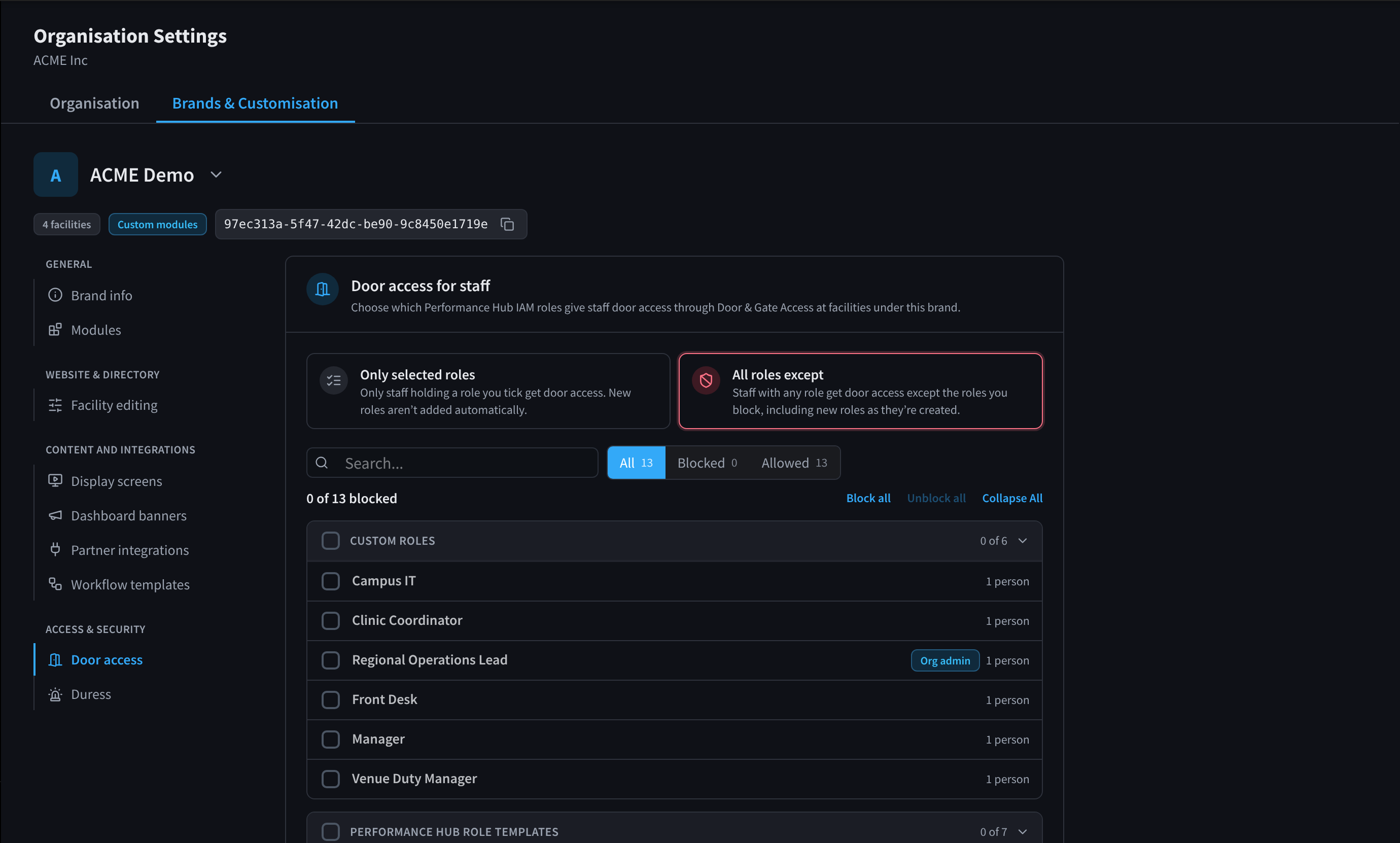
Figure 1: Door access for staff: which roles give door access under this brand
Duress
A brand's Duress section holds its "Duress response plans". Organisation-wide Duress covers "Duress buttons across every brand, and test schedules for the whole organisation or several brands. Response plans are set per brand."
A facility can follow its brand's response plan, add people to it or use its own. See Response plan in Duress.
Related pages
- Door & Gate Access: doors, gates and who can open them
- Roles: the roles in your organisation
- Brands & Customisation: a brand's other sections