
Brands & Customisation
A brand groups facilities that share branding and default settings, for example a hospitality group's café brand, a retail chain's outlet stores or a fitness operator's budget gyms. Each brand has its own settings in Brands & Customisation.
Quick reference
Where to find it: Settings (cog icon) → Organisation Settings → Brands & Customisation
Who can access: Organisation admins
Purpose: Manage each brand's settings, and add brands
Choose a brand
If your organisation has one brand, Brands & Customisation opens it straight away. The brand's name at the top is the brand switcher: click it to list your brands, each with how many facilities it has, for example "ACME Demo, 4 facilities". Click a brand to open it, or click Add Brand to add one.
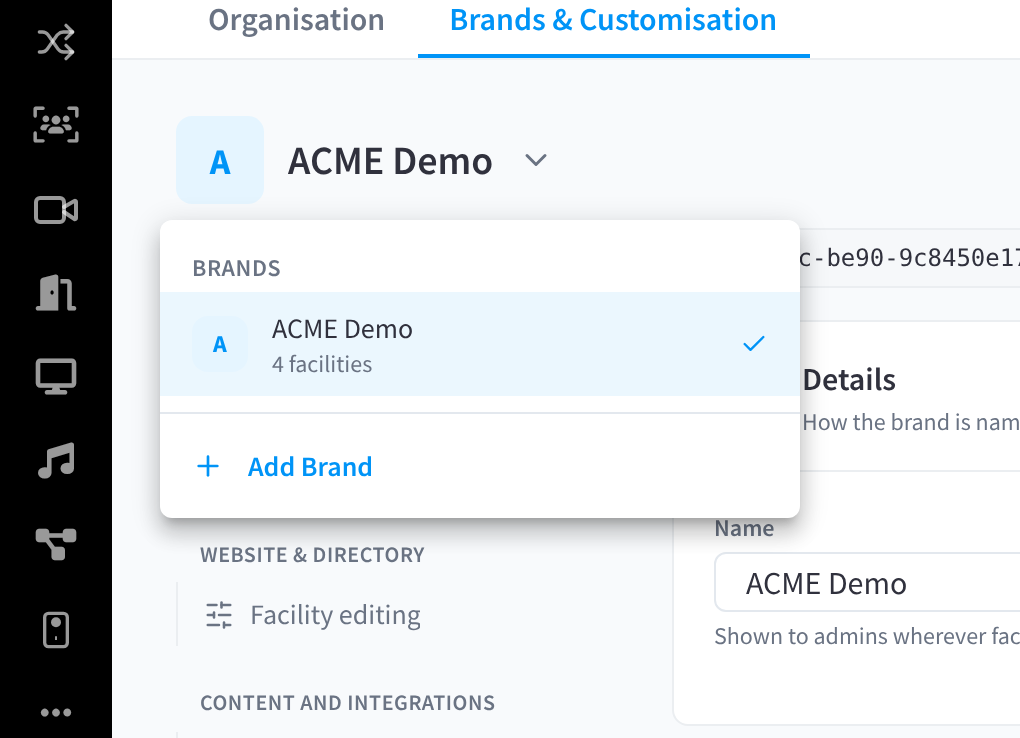
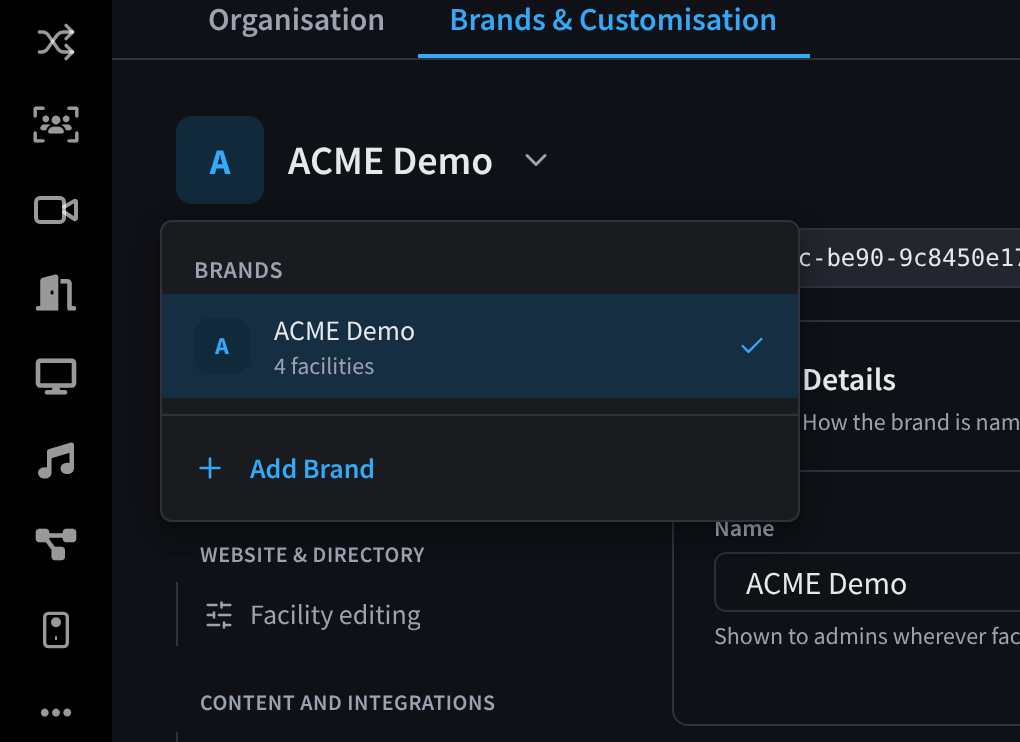
Figure 1: The brand switcher, with Add Brand
A brand's sections
A brand's settings are grouped into sections, listed down the left:
| Group | Sections |
|---|---|
| General | Brand info and Modules |
| Website & directory | Facility editing |
| Content and integrations | Display screens, Dashboard banners, Partner integrations and Workflow templates. See Brand content & integrations. |
| Access & security | Door access and Duress. See Brand access & security. |
A section shows only when your organisation has a module that uses it. Business Suite organisations also see Side menu and Profile defaults.
Brand info
Details: "How the brand is named and where its users land."
- Name: "Shown to admins wherever facilities are grouped by brand."
- Redirect Dashboard: "The page to redirect users to when they log in instead of the default dashboard." Leave it as Default Dashboard to keep the usual dashboard.
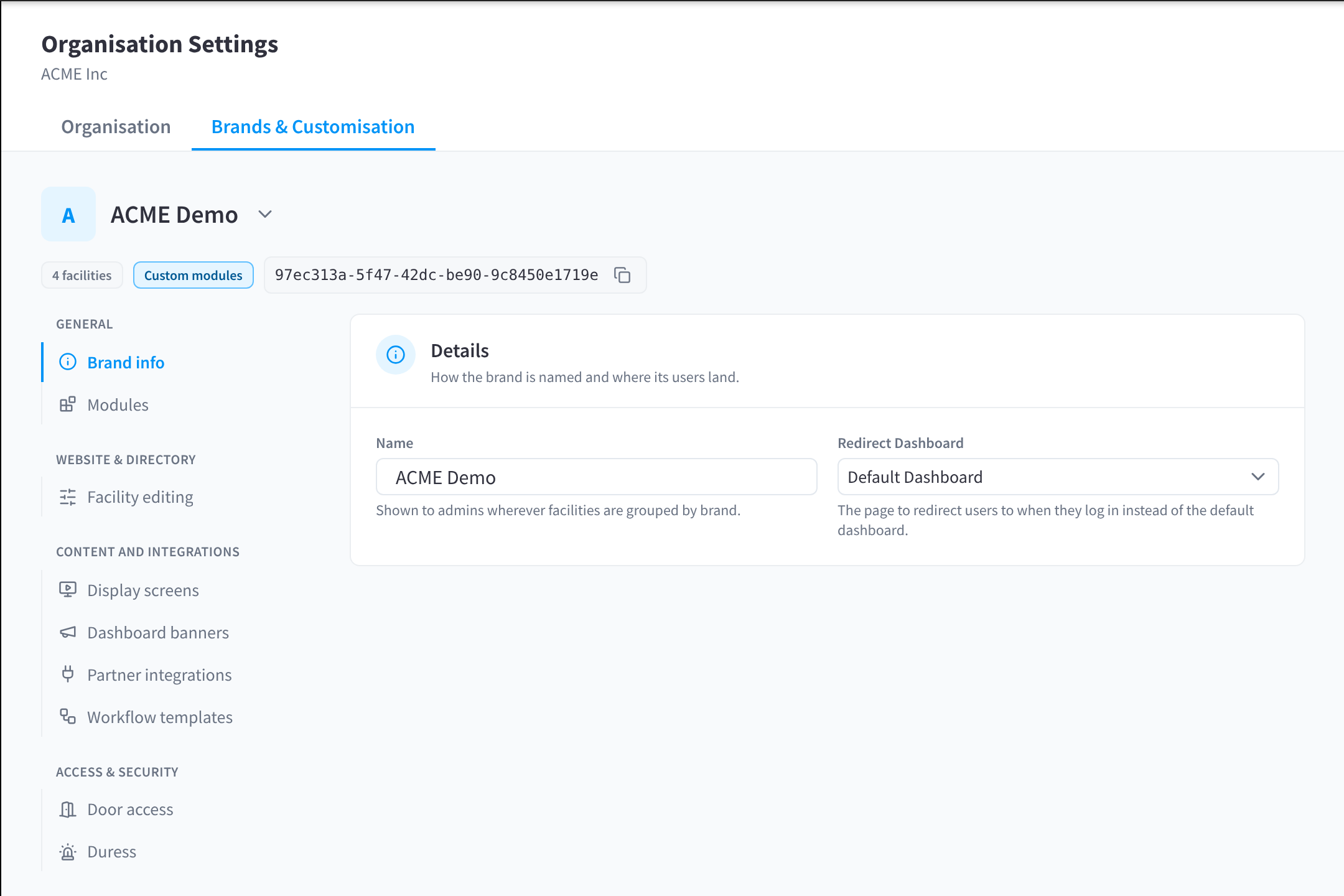
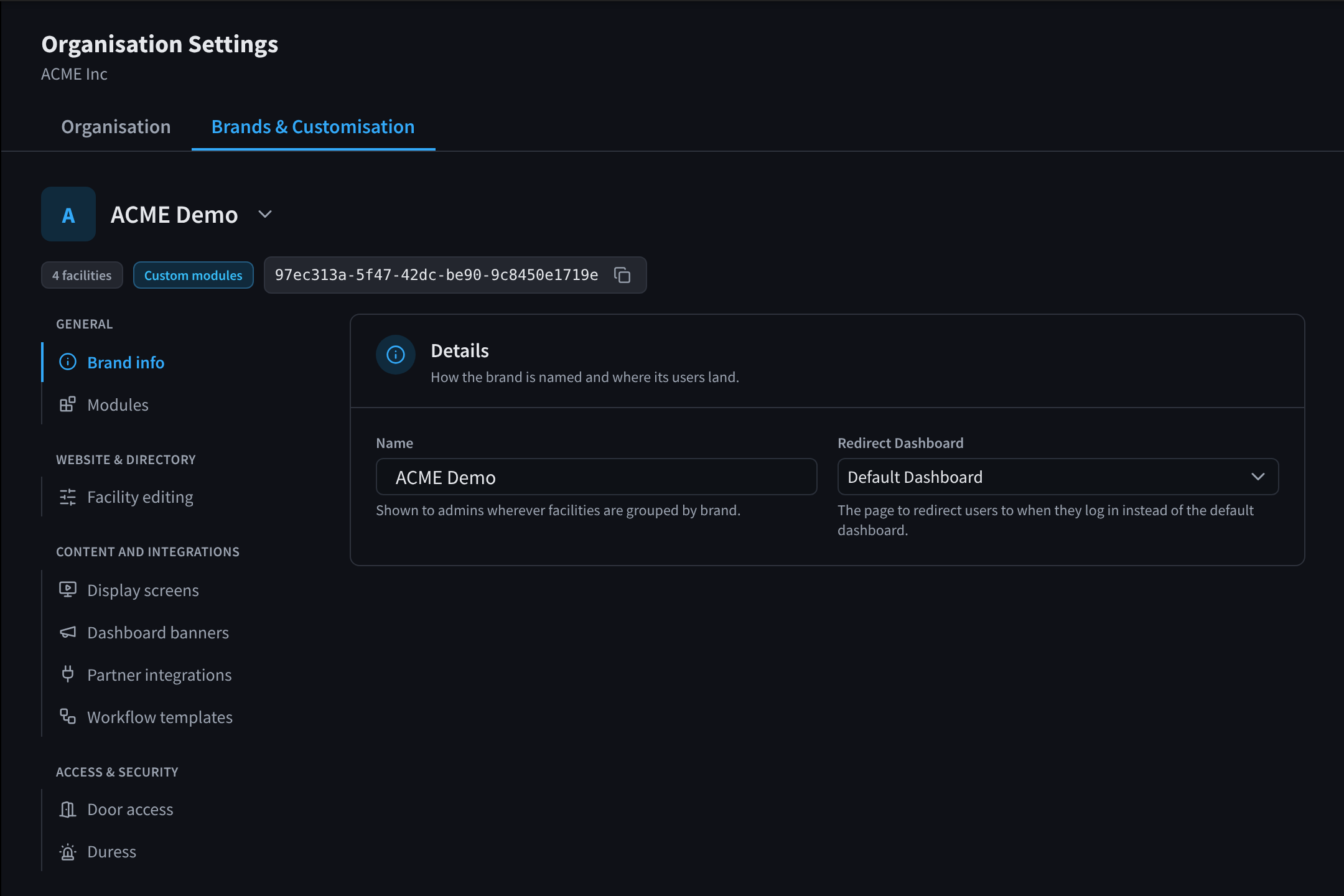
Figure 2: A brand's Brand info: its name and redirect dashboard
Related pages
- Brand modules: the modules for a brand's facilities
- Brand content & integrations: facility editing, display screens, banners, integrations and workflow templates
- Brand access & security: door access and duress
- Primary details: choose the brand a facility belongs to
- Overview & Facilities: Billing groups and filters facilities by brand.