
Insights & Statements
Insights shows how your organisation's usage changes over time, across every facility, whoever pays for it. Statements holds the monthly statements for the facilities your organisation pays for. A company can follow the trend for its offices, and a retail group can see which stores grew fastest last quarter.
Quick reference
Where to find it: Settings (cog icon) → Organisation Settings → Organisation → Billing → Insights or Statements
Who can access: Organisation admins, in Technology Stack organisations. Statements shows only while the organisation's default is Organisation pays for all facilities, now or from the 1st of next month.
Purpose: Follow usage over time and download your organisation's statements
Insights
Insights is built from issued statements, so the current month appears once it's billed. Click Range: Last 12 months to change the months shown.
- TOTAL USAGE, AVERAGE MONTH and OUTSTANDING for the range.
- Monthly cost history: "Each month's usage, whoever pays for it." Switch between Top facilities and Brands to stack each month by facility or by brand.
- Below the chart: Spend by service, By brand and country, Biggest changes and Trend by facility.
When some facilities pay for themselves, Insights notes "Including facilities that pay for themselves." Insights stays available when every facility pays for itself.
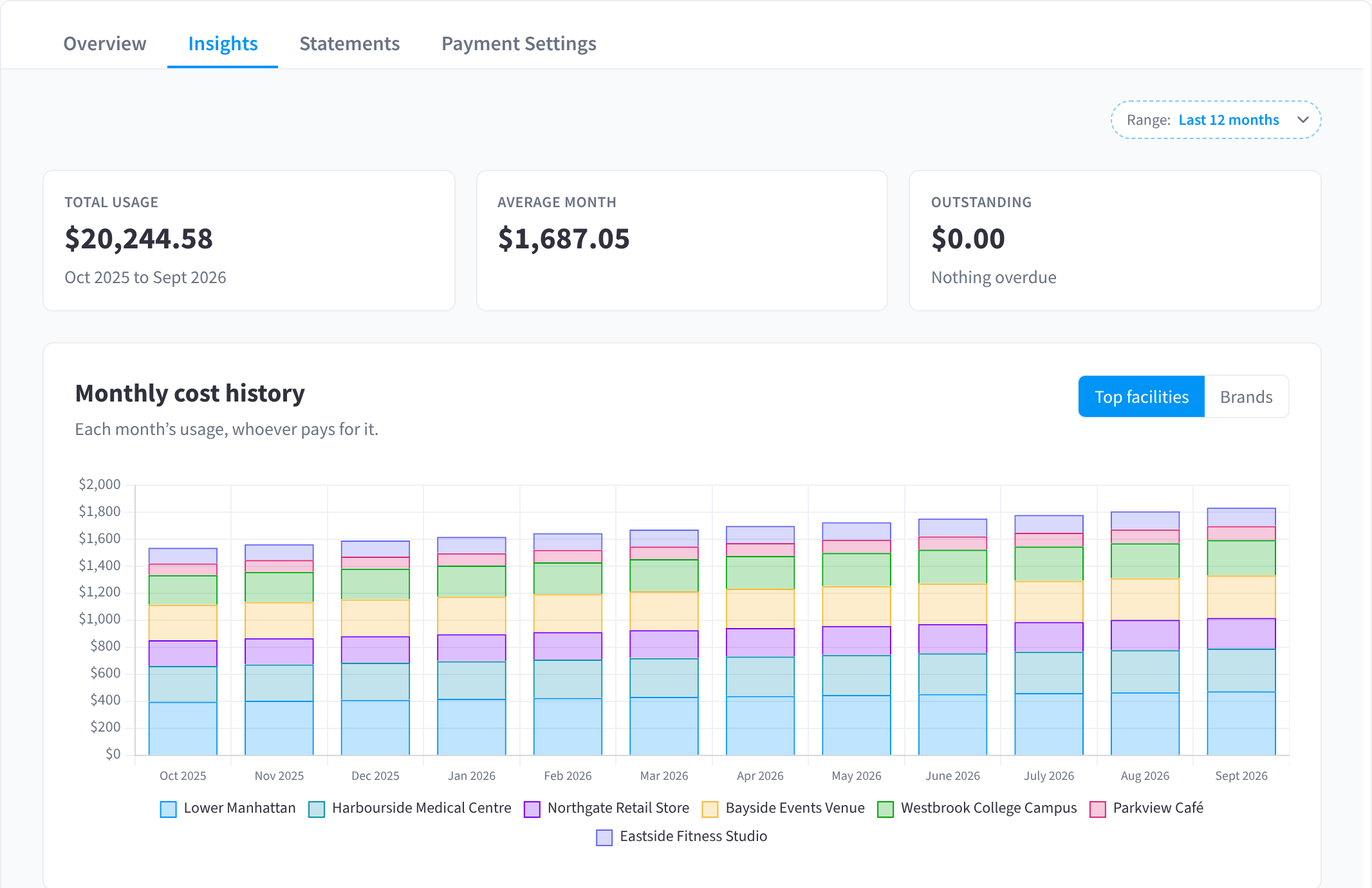
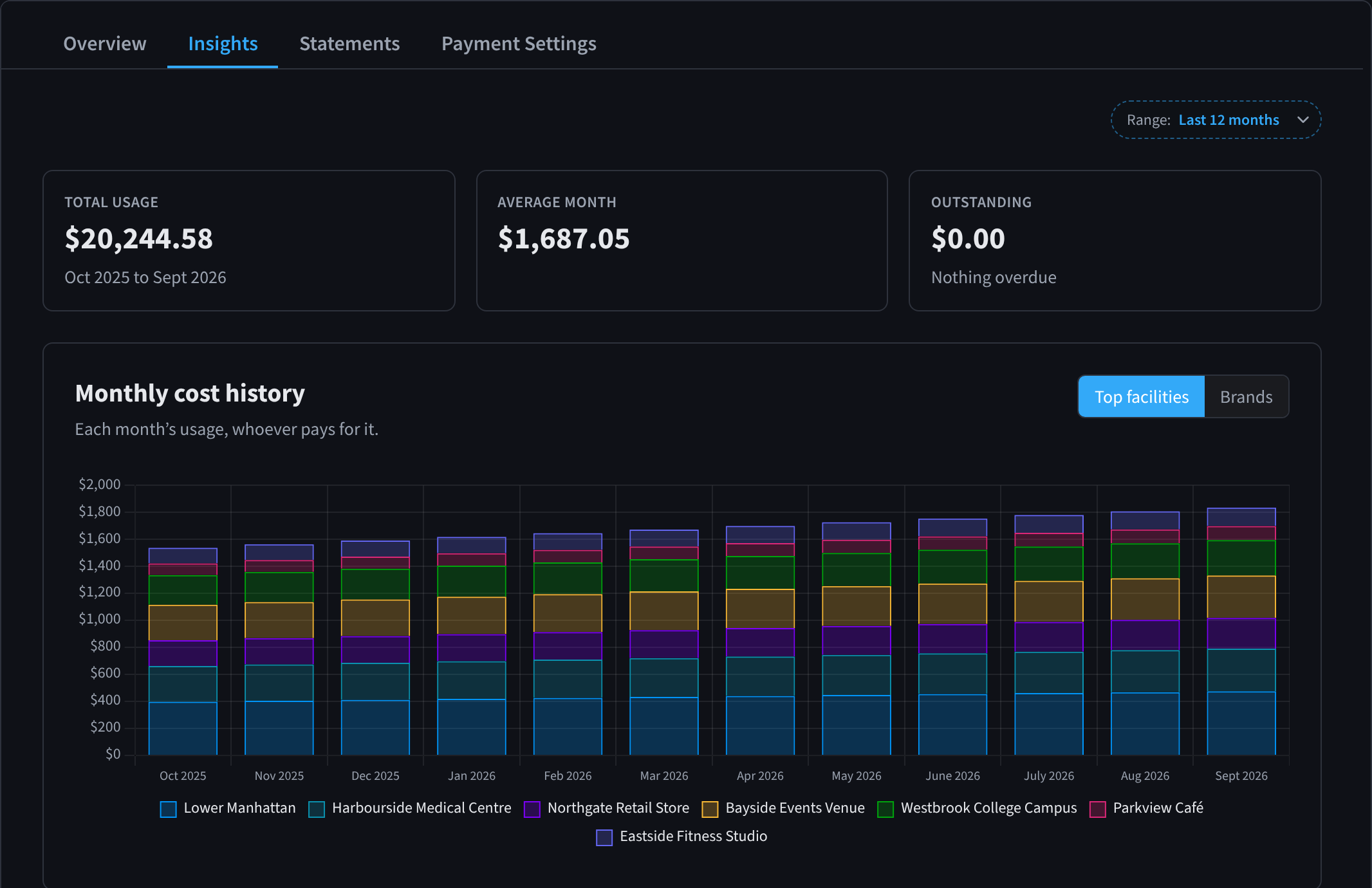
Figure 1: Insights: twelve months of usage across every facility, whoever pays
Statements
Your organisation gets one statement a month for every facility it pays for. "Each statement lists every facility's month total. Open a facility to see its usage detail and monthly statement."
The table has the columns Usage month, Reference, Status, Facilities and Total.
- Expand a row to see each facility's total for that month.
- Click the download icon at the end of a row to Download statement (PDF).
- To download many months at once, use Download documents on the Overview tab.
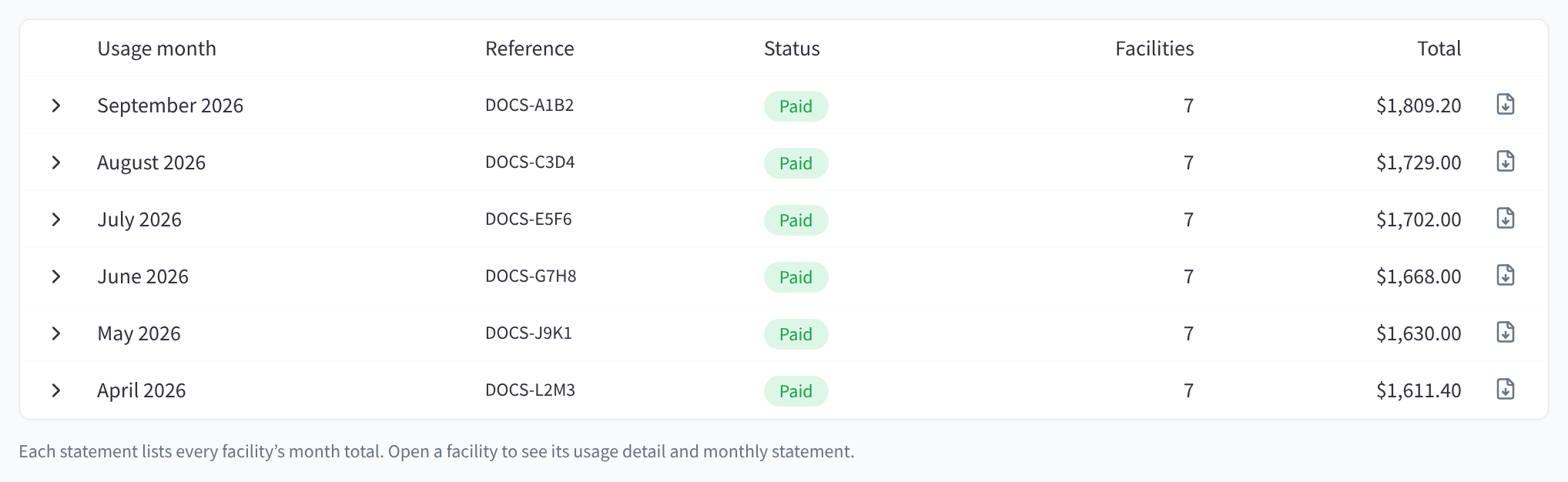
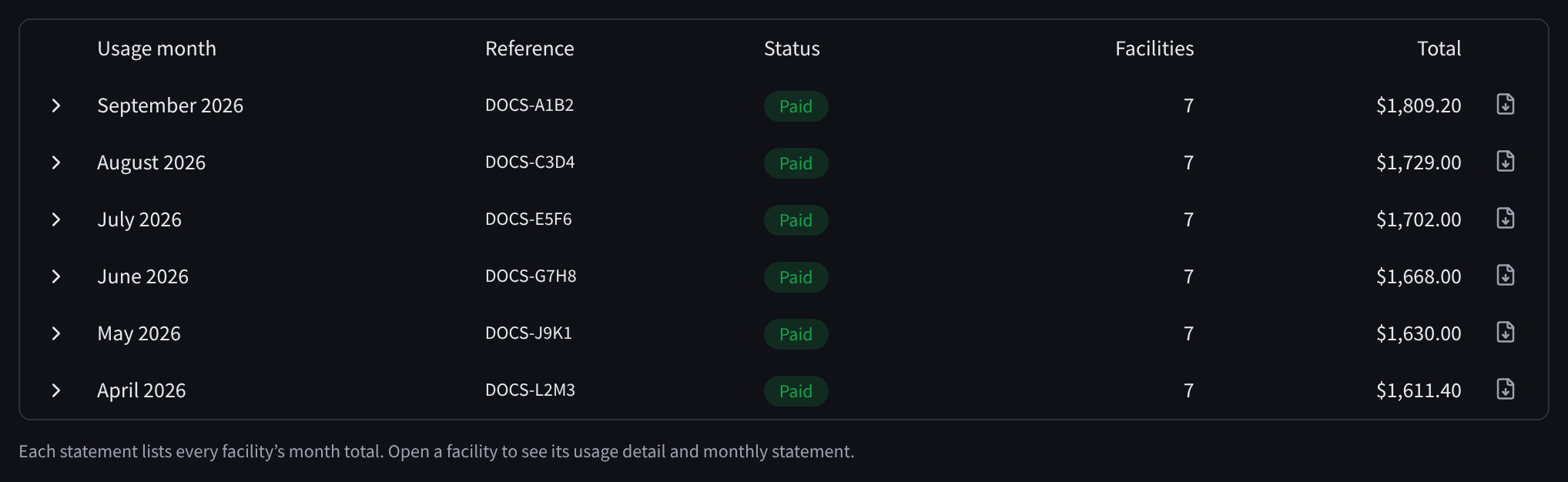
Figure 2: Organisation statements, one per usage month, each listing every facility's total
Statements are named for the usage month
A statement is named for the month of usage it covers, not the month it's issued. The statement for September's usage is issued in October and reads "September 2026".
Statuses
- Paid: the statement has been paid.
- Pending: the statement has been issued and isn't paid yet.
- Aggregating: the month's facility totals are still being collected. The statement can't be downloaded until it's issued.
Removed facilities
A facility that has been removed from your organisation stays on the statements it was billed on, shown as "Deleted facility".
Facilities that pay for themselves
A facility that pays for itself gets its own invoices, in Invoices & Receipts at that facility.
Related pages
- Who Pays: who pays by default and exceptions
- Overview & Facilities: this month so far, every facility, and Download documents
- Invoices & Receipts: a facility's invoices and receipts
- Organisation Details: who gets the organisation's statements