
Slash commands
On this page
To install Performance Hub Agent, see Desktop app (Mac and Windows) or Install on Linux.
Slash commands are short commands you type in the composer to manage a session, for example to start a new one, undo your last message or ask a side question without interrupting the Agent.
Use a slash command
- Type
/in the composer. A list of commands opens above it, with a short description of each. - Keep typing to narrow the list, or pick a command from it.
- Add anything the command needs after it, then send it.
To see the list of commands in a chat, send /help.
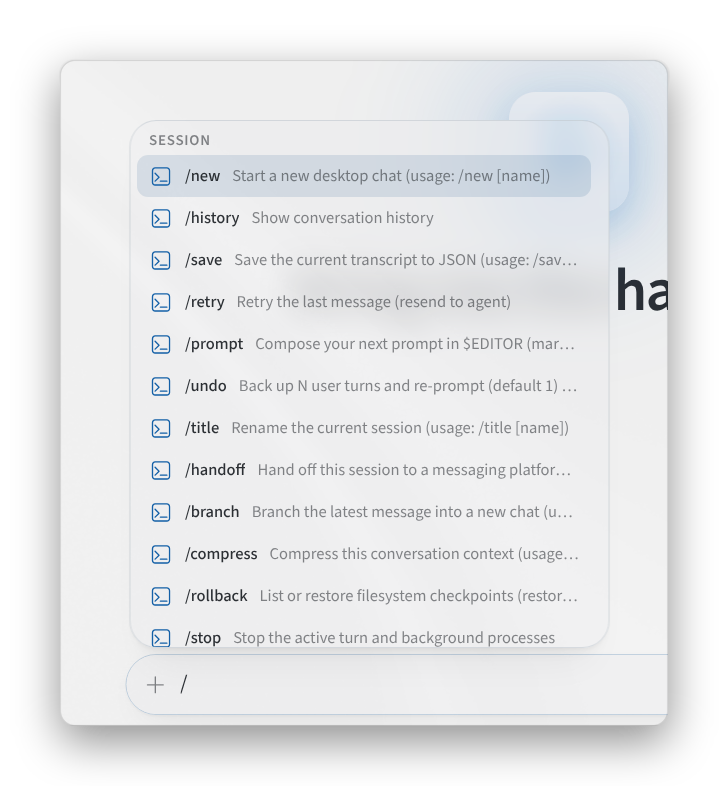
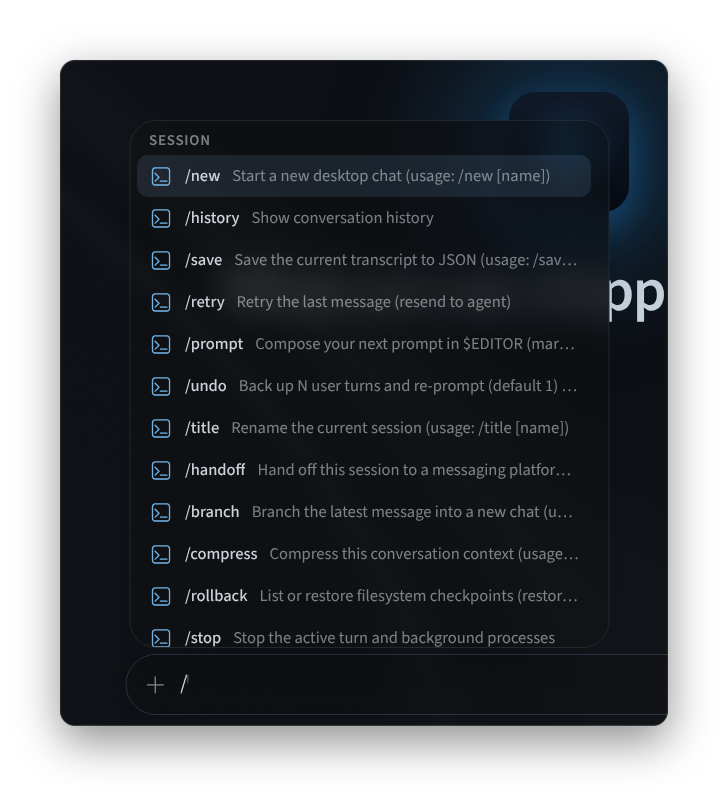
Figure 1: The slash command list
Managing a session
| Command | What the app says it does |
|---|---|
/new | "Start a new desktop chat". For example, /new Stocktake checklist starts a session with that name. |
/history | "Show conversation history" |
/save | "Save the current transcript to JSON" |
/retry | "Retry the last message (resend to agent)" |
/prompt | "Compose your next prompt in $EDITOR (markdown), then send it" |
/undo | "Back up N user turns and re-prompt (default 1)". Use it to take back your last message, or several, and ask again. |
/title | "Rename the current session", for example /title Riverside café menu |
/branch | "Branch the latest message into a new chat" |
/compress | "Compress this conversation context" |
/rollback | "List or restore filesystem checkpoints (restores keep your hand-edits; --all overrides)" |
/stop | "Stop the active turn and background processes" |
/resume | "Resume a saved session" |
/status | "Show current session status" |
Working alongside the Agent
| Command | What the app says it does |
|---|---|
/btw | "Ask a side question about this conversation without interrupting it" |
/bg | "Run a prompt in a separate background session" |
/queue | "Queue a prompt for the next turn, or list/edit/rm/move/clear queued prompts" |
/steer | "Inject a message after the next tool call without interrupting" |
/agents | "Show active agents and running tasks" |
/moa | "Run one prompt through the default Mixture of Agents preset, then restore your model". See Choosing a model. |
Memory, personality and the app itself
| Command | What the app says it does |
|---|---|
/memory | "Review pending memory writes / toggle the approval gate" |
/journey | "Open the memory graph — skills + memories over time" |
/personality | "Set a predefined personality" |
/skin | "Switch desktop theme or cycle to the next one" |
/palette | "Open the fuzzy command palette" |
/help | "Show desktop slash commands" |
To change the model for a chat, use the model picker in the composer. See Choosing a model.
Related pages
- Desktop app (Mac and Windows): install, sign in and choose an agent
- Install on Linux: the desktop app on Linux
- The agent interface: slash commands in Performance Hub
- Getting around: the window, the side menu and sessions