
Long-term Memory
On this page
To install Performance Hub Agent, see Desktop app (Mac and Windows) or Install on Linux.
Long-term Memory shows "What your Agent has learned across chats, on its own.": the people, places, procedures and preferences it has picked up while working with you, such as which meeting room has no screen, when a store's deliveries arrive or how the clinic likes its reports set out. Open it from Memory in the side menu.
It has three tabs: Relations, Activity and Memories. The page shows when it was last Updated; click Refresh to update it. For what each kind of memory means and how to steer what the Agent keeps, see Memory.
If the Agent is still indexing or consolidating its memory, a banner shows its progress, for example "Consolidating memory in the background", then "Memory indexing complete".
Relations
Relations is a graph: each dot is something the Agent knows about, and each line a link it has learned between two of them. With nothing learned yet, it shows "No entities yet — they appear as the Agent learns who and what matters across chats."
- Search entities finds something in the graph by name.
- Top 1,000 (the default) sets how many entities the graph shows: Top 500, Top 1,000, Top 2,500, Top 5,000 or All entities. A count line shows how many entities and relations the graph is showing, out of the total.
- As the graph says: "Drag to pan · scroll or pinch to zoom · click an entity to see its links, then drag it to move it". Fit to view, Zoom in and Zoom out do the same from buttons.
- Click an entity to see how many connections and mentions it has.
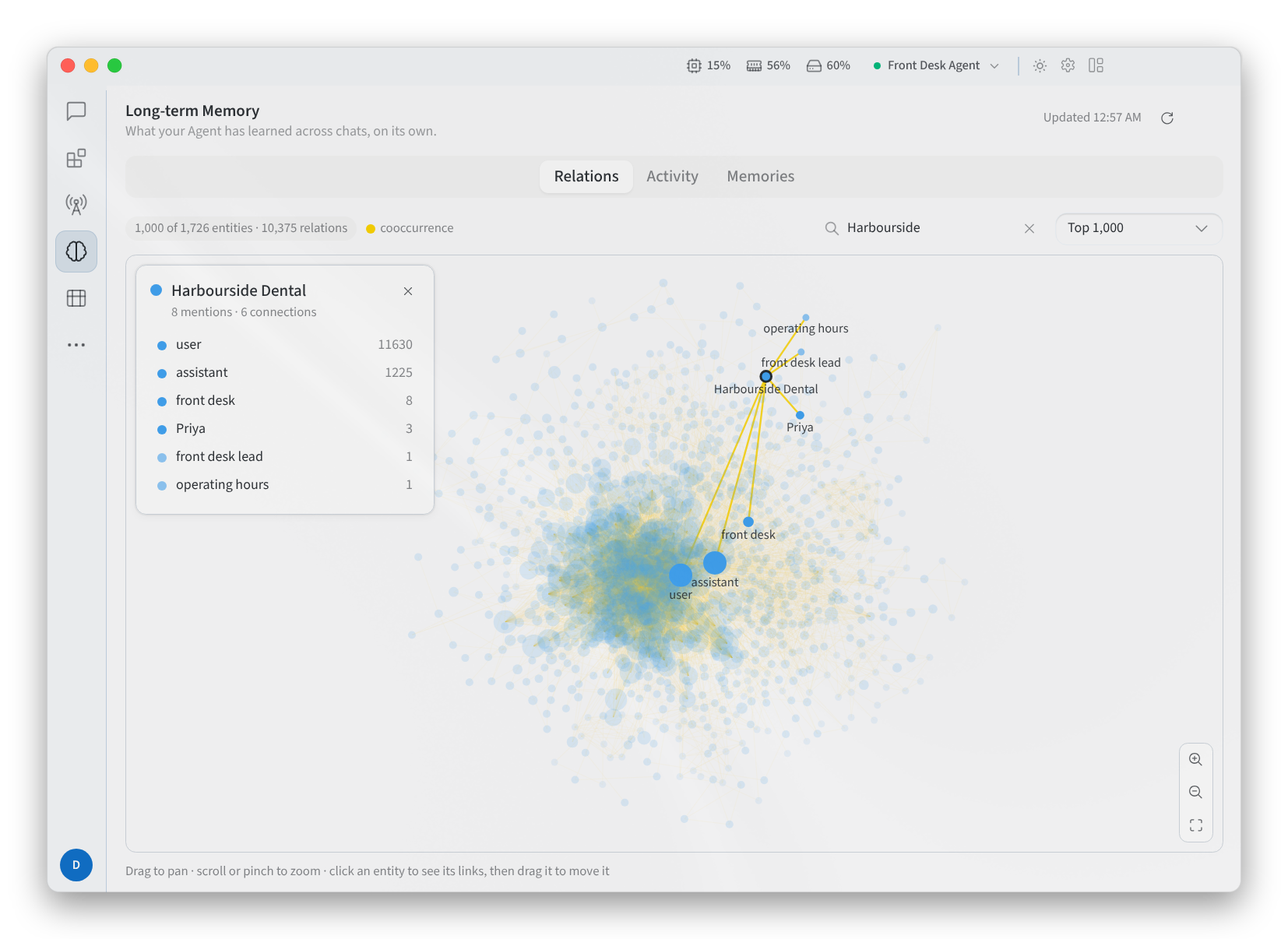
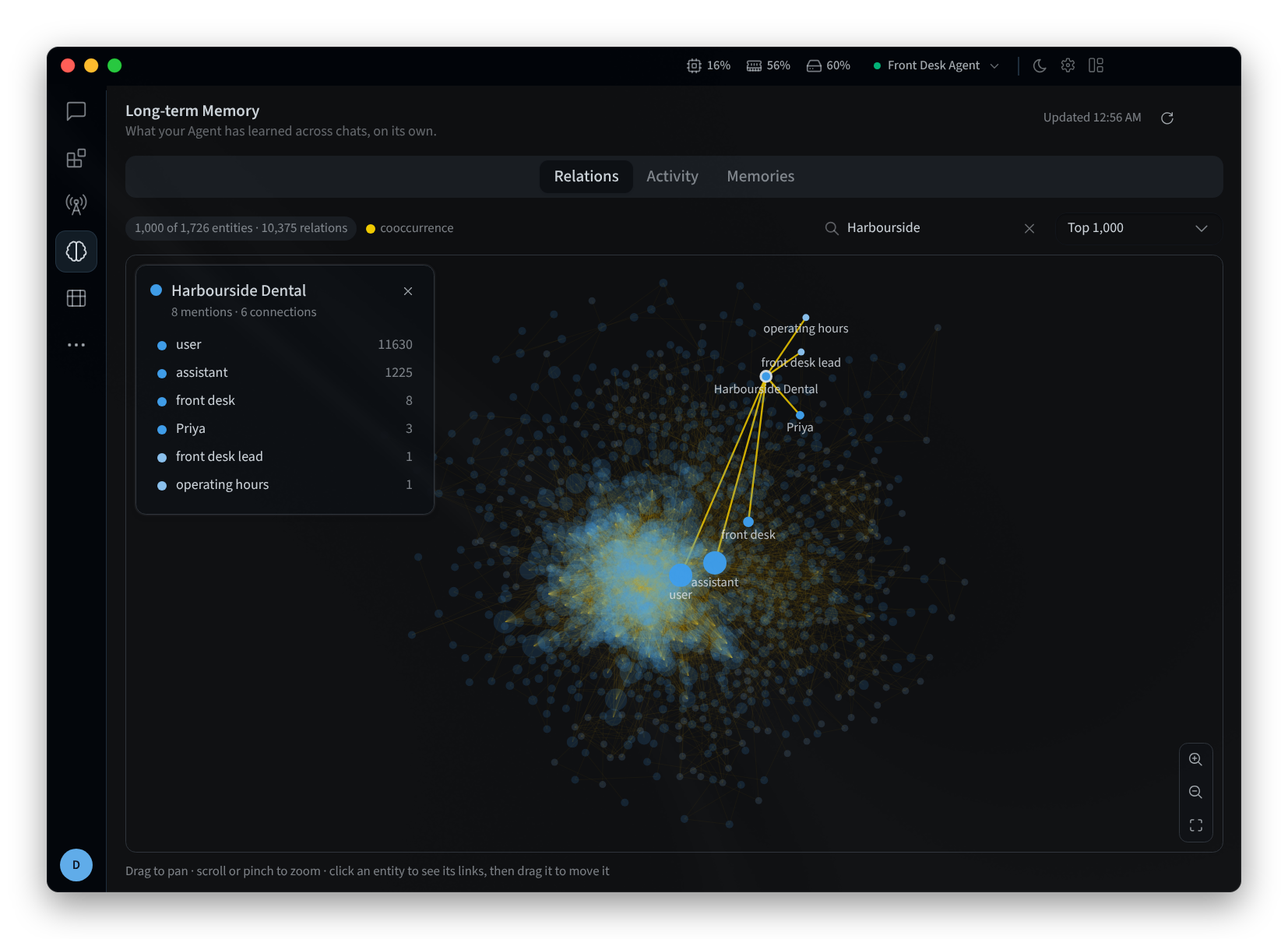
Figure 1: The Relations graph, with an entity selected
Activity
Activity gives a quick read on the Agent's memory: how many Documents, Entities, Facts, Observations and Relations it holds, Facts by type, Relations by type, Top tags, Memory growth (30 days), Background jobs, Recent activity and when it was Last consolidated. See Activity.
Memories
Memories lists the facts and observations the Agent has learned. Use Search memories, or filter with All, Observations, World and Experience. Each memory shows how many times it has been mentioned, for example ×3 for three supporting mentions. See Memories for what each type means.
Related pages
- Desktop app (Mac and Windows): install, sign in and choose an agent
- Install on Linux: the desktop app on Linux
- Memory: long-term memory in Performance Hub