
Overview Tab & Budgets
The Overview tab shows what the facility has cost so far this month, how that compares with last month, where the month is heading, and how much balance is left. A monthly budget adds email alerts, so a café or a branch office can see a busy month coming before the bill arrives.
Quick reference
Where to find it: Settings (cog icon) → Billing & Cost Management → Overview
Who can access: People with the Billing & Cost Management module at the facility. See Who can see it.
Purpose: Follow the month's costs and balance, and get alerts before you overspend
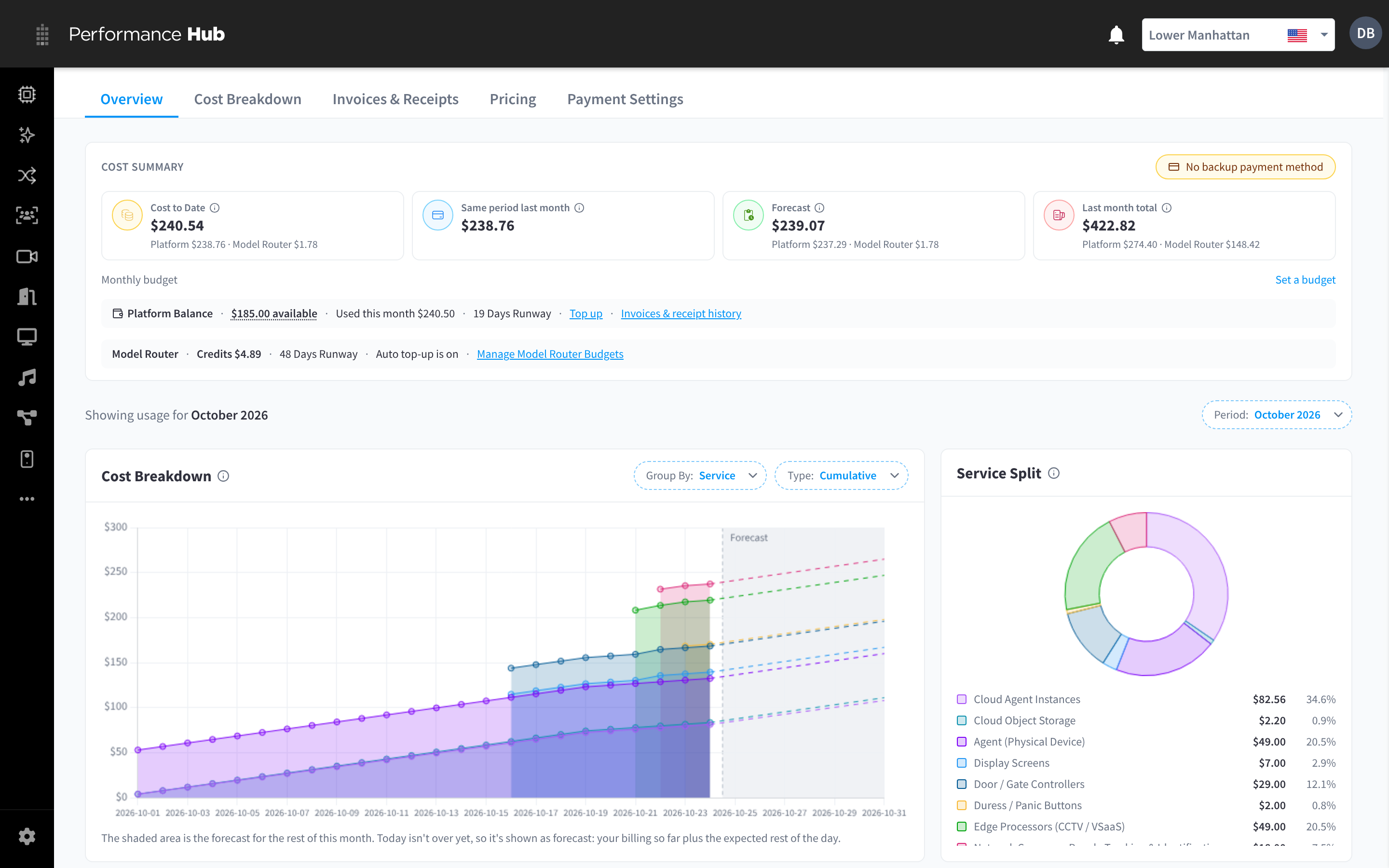
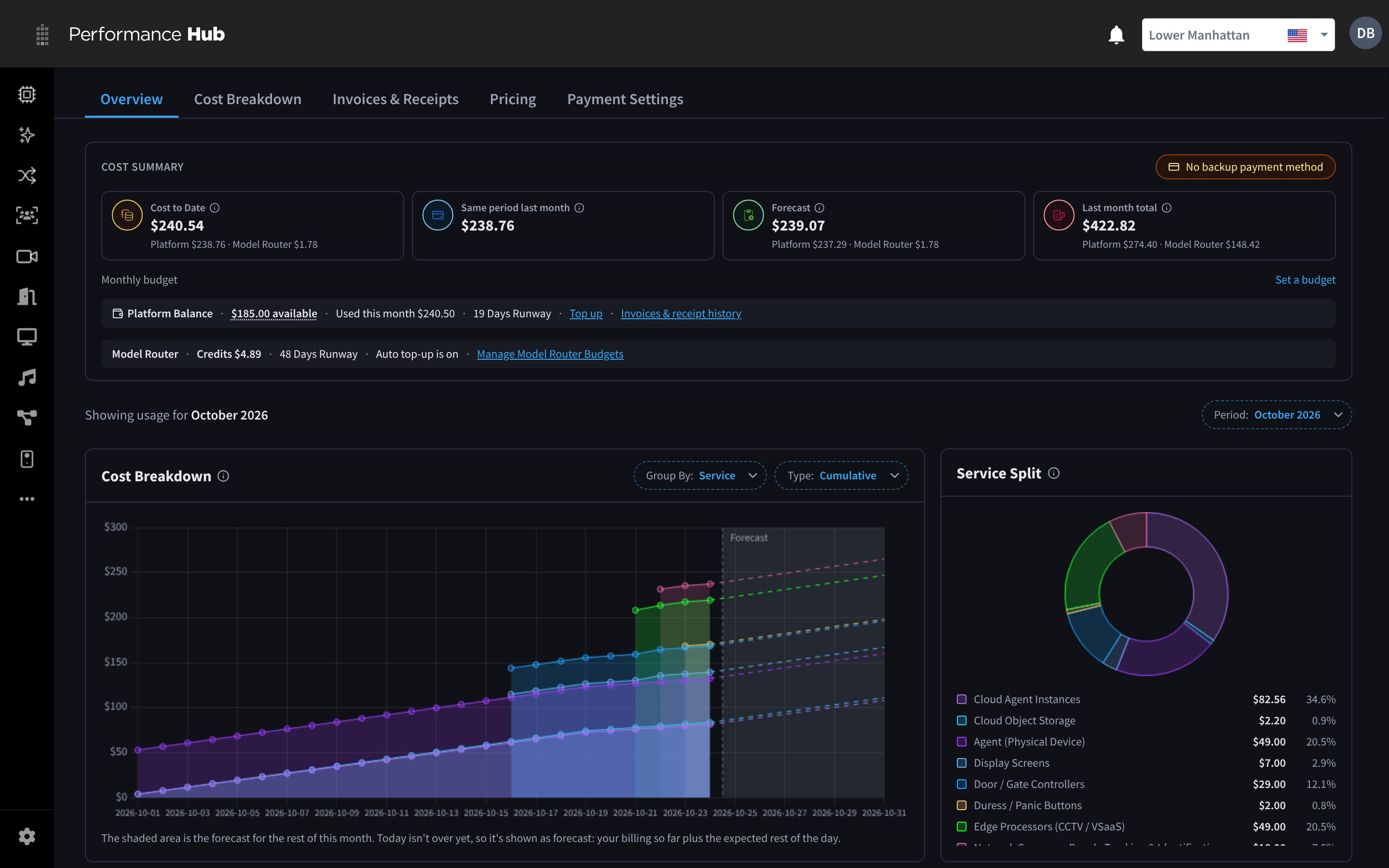
Figure 1: Billing & Cost Management: the cost summary, balance and this month's cost breakdown
Cost summary
COST SUMMARY has four cards:
- Cost to Date: the facility's usage so far this month.
- Same period last month: usage over the same days last month, to compare like with like.
- Forecast: where the month is heading at the current pace.
- Last month total: the whole of last month.
These are estimates that update during the month. The monthly statement is final. Where the facility uses Model Router, the cards split each amount into platform and Model Router usage.
A No backup payment method chip shows when only one card is saved. See Payment methods.


Figure 2: The cost summary: cost to date, the same period last month, the forecast and last month's total
Balance
Under the cards, the Platform Balance strip shows the balance available, Used this month, and Days Runway: about how many days the balance lasts at the current pace.
- Top up opens Balance & Top-ups on the Payment Settings tab.
- Invoices & receipt history opens Invoices & Receipts.
For a facility with Model Router, a second strip shows its credits, runway and whether auto top-up is on, with Manage Model Router Budgets. Model Router keeps its own balance. See Model Router.
This month's usage
Below the summary, "Showing usage for October 2026" names the month shown. Click Period to pick another month.
- Cost Breakdown: the month's usage day by day, grouped by service. The shaded area is the forecast for the rest of the month.
- Service Split: each service's share of the month.
- Cost History: each month's usage over the last 12 months, by service. Click Range: Last 12 months to change the range.
For the full breakdown of a month, open the Cost Breakdown tab.
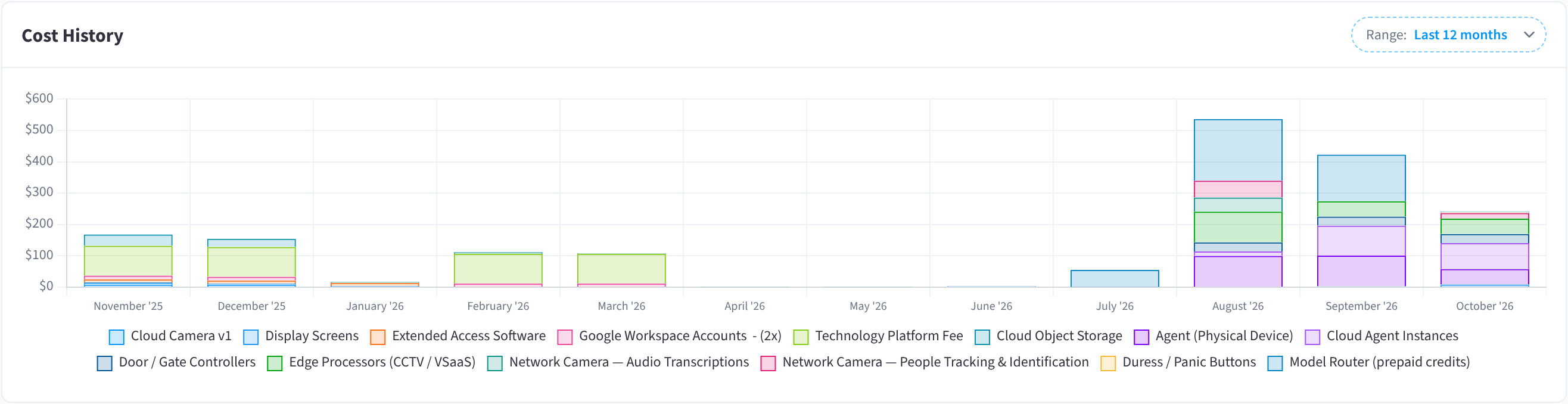
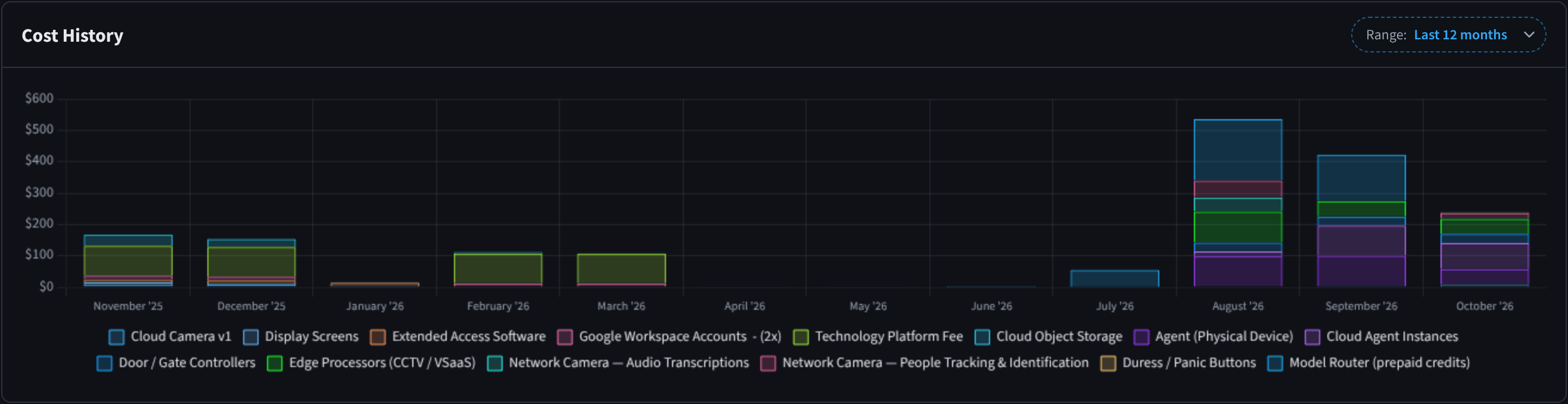
Figure 3: Cost history for the last 12 months
Monthly budget
A monthly budget sends email alerts as the facility's spend grows.
- On the Overview tab, next to Monthly budget, click Set a budget.
- In BUDGET AMOUNT (USD / MONTH), enter the budget for a month.
- Optionally, tick "Also alert when the month-end forecast would exceed this budget".
- Click Save, or Cancel to close without saving.
"We will email your billing contacts when month-to-date spend reaches 80% and 100% of this budget." The billing contacts are the NOMINATED SAAS BILLING CONTACTS in the billing profile.
Your organisation can also set an organisation budget that covers every facility, whoever pays.
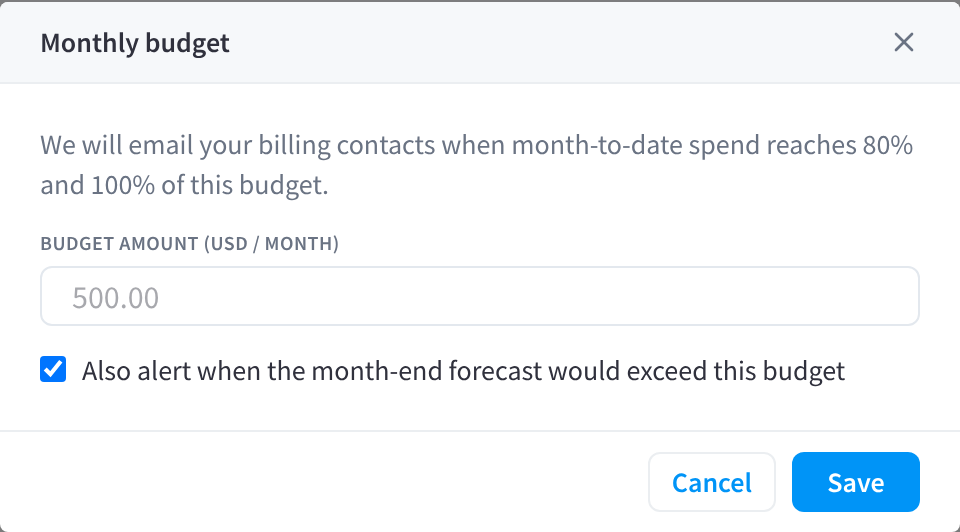
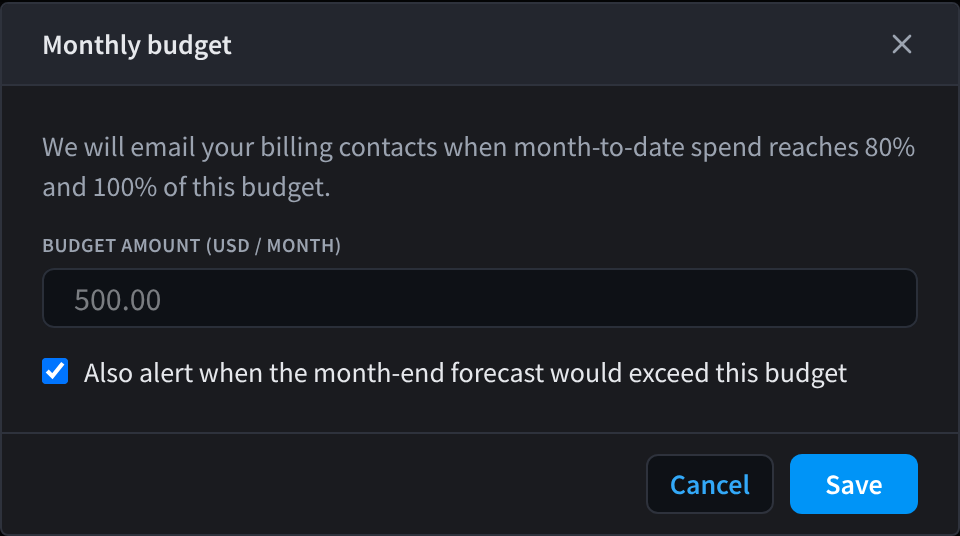
Figure 4: Set a monthly budget to get alerts before you overspend
Related pages
- Overview & Facilities: the organisation's view of every facility's costs
- Cost Breakdown & Pricing: a month's usage by service, and the rates that apply
- Payment Settings: top up the balance and set up auto top-up
- Model Router: Model Router's own balance and budgets