
Guardrails
Guardrails apply content protections to AI requests before they reach the model. They are configured facility-wide under Settings (cog) → Guardrails, and individual API keys and connected services can override them.
"Apply content protections to every request for this facility. None are enabled by default. Individual keys can override these."
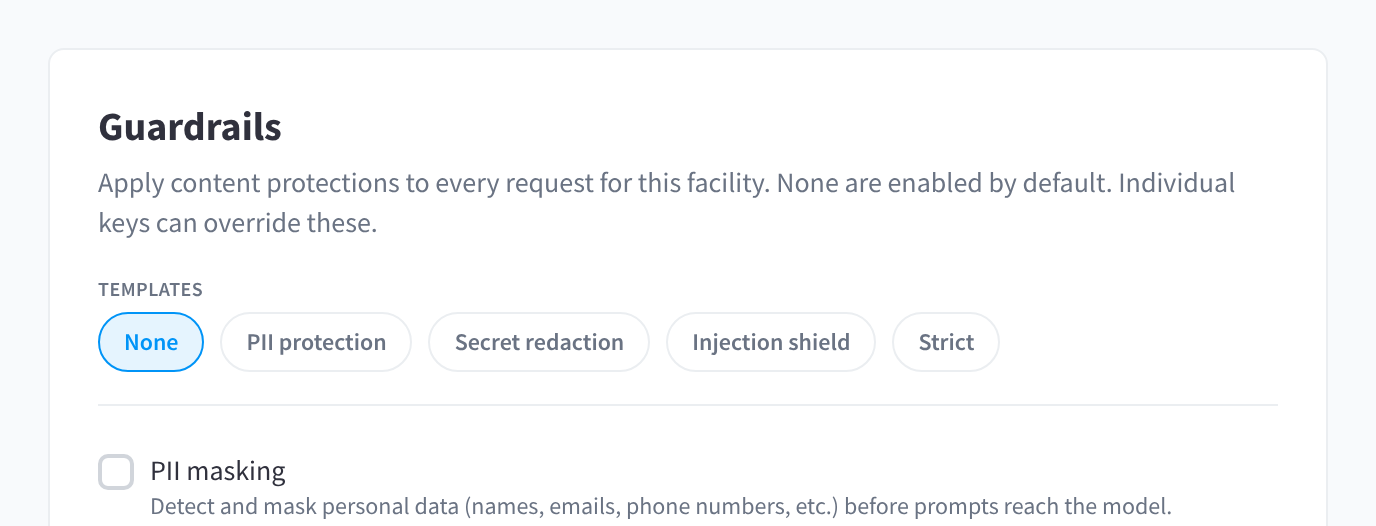
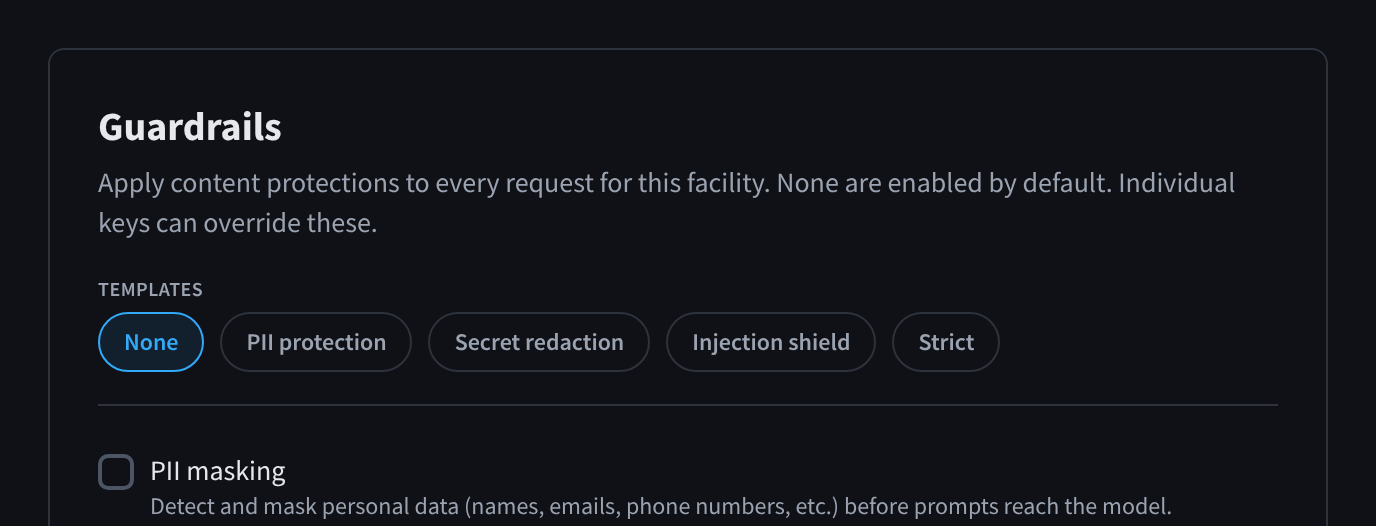
Figure 1: Guardrails: the templates and PII masking
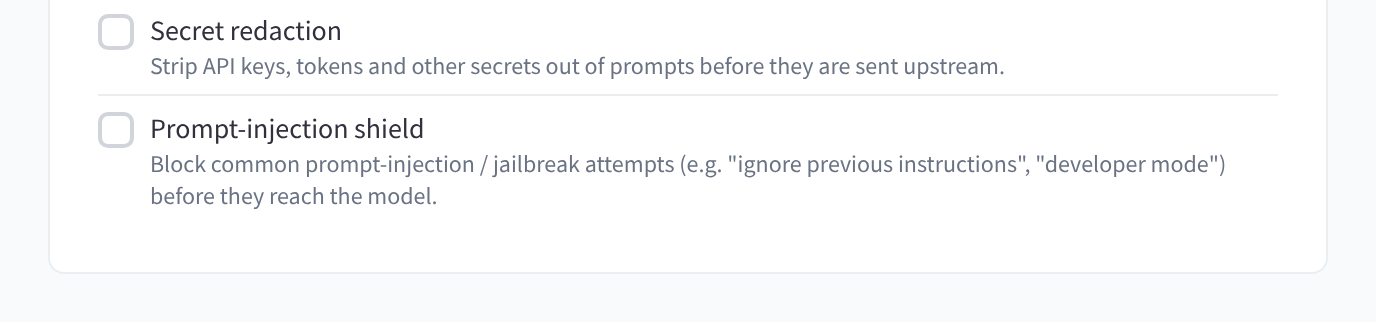
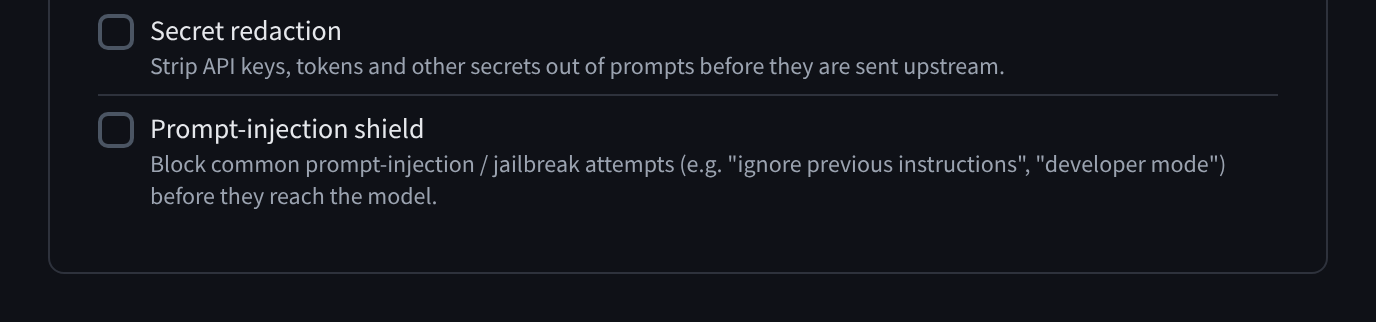
Figure 2: Secret redaction and the prompt-injection shield
The built-in guardrails
| Guardrail | What it does |
|---|---|
| PII masking | "Detect and mask personal data (names, emails, phone numbers, etc.) before prompts reach the model." |
| Secret redaction | "Strip API keys, tokens and other secrets out of prompts before they are sent upstream." |
| Prompt-injection shield | "Block common prompt-injection / jailbreak attempts (e.g. "ignore previous instructions", "developer mode") before they reach the model." |
PII masking and secret redaction rewrite the prompt (the request still goes through, with sensitive spans masked). The prompt-injection shield blocks matching requests outright with a content policy violation error (HTTP 403).
Templates
The Templates row applies a preset selection in one click, then Save changes:
| Template | Selection |
|---|---|
| None | No guardrails (the default). |
| PII protection | PII masking. |
| Secret redaction | Secret redaction. |
| Injection shield | Prompt-injection shield. |
| Strict | All three. |
Saving shows "Guardrail settings saved."
Content filters
Below the guardrails, Content filters let you add your own rules: custom regular expressions evaluated on prompt content. Redact rewrites matches to [REDACTED]; Block rejects the request. Individual keys can override them.
Click Add filter, then set:
| Field | Behaviour |
|---|---|
| Pattern | A regular expression ("Regular expression, e.g. \b\d{16}\b" — that example matches 16-digit card numbers). Unsafe or overly long patterns are dropped and not applied; patterns are capped at 300 characters, and a facility can have up to 25 filters. Matching ignores case, and only the first 20,000 characters of each message are checked. |
| Action | Redact — matches are rewritten to [REDACTED] and the request continues; Block — the request is rejected with a content policy violation error. |
Use Remove to delete a filter, then Save changes. With none configured: "No content filters. Add one to redact or block matching prompt text."
Per-key and per-service overrides
Each API key and each connected service has an Override facility guardrails toggle in its configuration drawer:
- Off (default): the key or service inherits the facility's guardrail and content-filter selection.
- On: the key or service uses its own selection instead — "Select none to explicitly disable guardrails for this key." This is how you exempt one trusted integration from facility-wide masking, or apply stricter rules to a single key.
See API keys and Connected Services.
What callers see
- Redactions are silent — the model simply receives
[REDACTED](or masked PII/secrets) in place of the matched text. - Blocks return HTTP 403 with the message "Request blocked by content policy" and code
content_policy_violation. See the error table in Connecting your application.
Prompt content is scanned in transit only — guardrails never store what they scan.