
Connected Services
Connected services are the Performance Hub services that use Model Router with their own identity rather than an API key you manage. They include AI Agent devices paired with your facility, which connect automatically — no API key is ever created, copied, or entered on the device — and Workflows, which can connect too. Each service's access can be individually configured and bounded.
"Services connected to Model Router use their own identity, spend limits, model restrictions and guardrail overrides."
The Connected Services card
Open Settings (cog) → Service Access & API Keys. The Connected Services card lists every connected service:
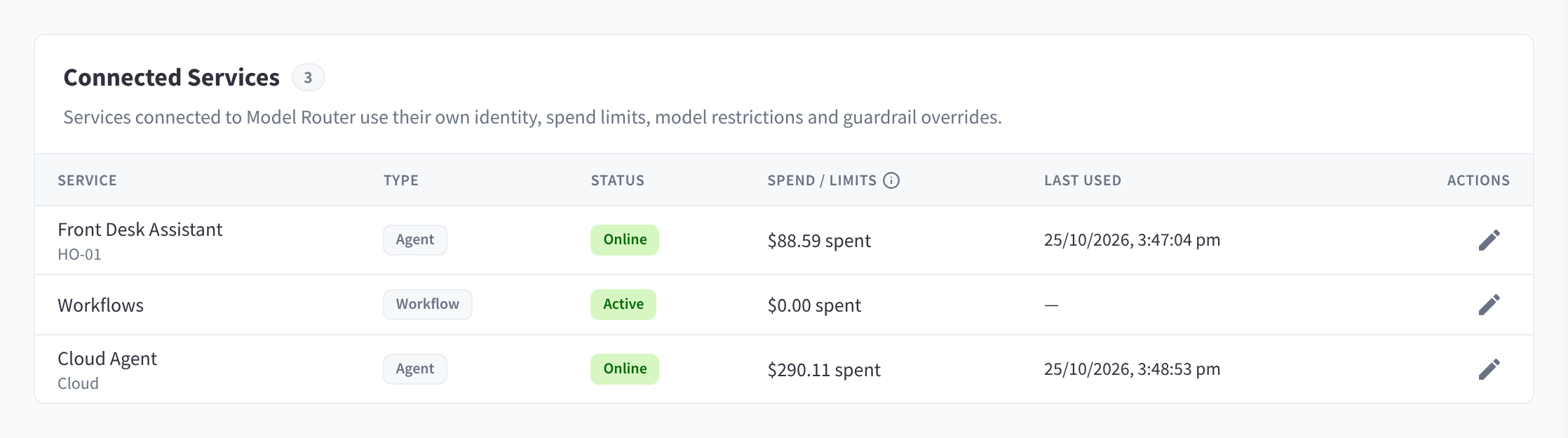
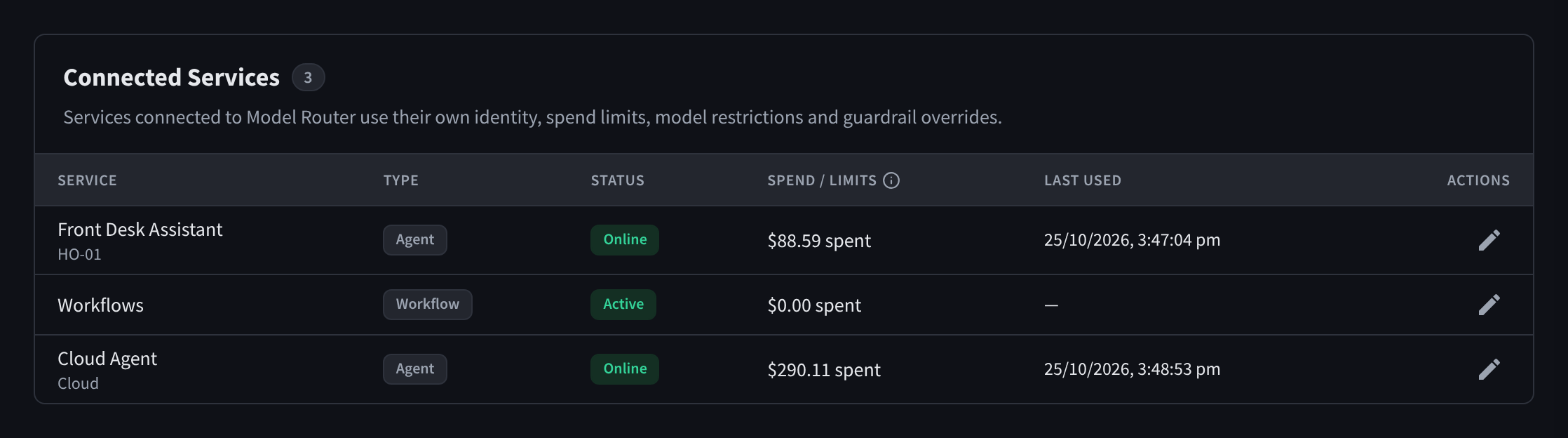
Figure 1: Connected Services: each AI Agent or workflow with its type, status, spend and limits, and last use
| Column | Meaning |
|---|---|
| Service | The service's name; for an AI Agent, also its location at your facility. |
| Type | Agent or Workflow. |
| Status | For an AI Agent, Online or Offline — live device connectivity. A connected workflow shows Active. |
| Spend / limits | The service's spend, and progress toward any per-service limits (Today, This month, Lifetime, with a Limit reached badge when hit). |
| Last used | The service's most recent request. |
| Actions | Configure — opens the service's configuration drawer. |
If nothing is connected yet: "No services are connected yet. Pair an AI Agent or open Workflows to connect one." Pairing devices is done in the AI Agent module, not here.
Configuring a service
Click the Configure action to open the Configure agent drawer (Configure workflow for a workflow). The options mirror API-key configuration, scoped to the service:
| Setting | Behaviour |
|---|---|
| Set spend limits for this agent | "Set any combination of daily, monthly and lifetime caps for this agent." (for a workflow, the labels read "…this workflow"). Daily resets at the start of each day and monthly on the 1st of each month, in the facility timezone; the lifetime cap never resets. |
| Rate limits (optional) | "Cap requests and tokens per minute for this agent. Leave blank for unlimited." |
| Restrict models for this agent | "Only the selected models will be usable by this agent." |
| Override facility guardrails for this agent | "Select none to explicitly disable guardrails for this agent." |
When a service hits one of its spend limits, only that service is blocked (with a clear budget exceeded message stating when the window resets); other services and API keys keep working. Account-wide limits still apply on top — see Budgets & top-ups.
You can also set per-service spend limits from Budgets & Limits → Spend Limits → Per-service spend limits — it edits the same configuration.
Services and credits
Connected services draw from the same prepaid balance as API keys. If the module is not enabled for the facility, or the balance is depleted, they cannot run inference — an AI Agent's chat shows a credits-required state until the facility is enabled and topped up. Keeping auto top-up on is the easiest way to make sure agents never stop mid-conversation; see Budgets & top-ups.
Services in analytics
Connected services appear alongside API keys everywhere usage is shown: the Overview tab's Top agents & keys, the Activity tab's Top API keys & agents and Key / agent filter, and the Logs tab's Agent / Key column. This makes it easy to see exactly what each service is spending and on which models, whether it's a front desk assistant in a hotel lobby or an intake assistant in a clinic waiting room. See Activity & logs.
Security model (in brief)
Each AI Agent authenticates with short-lived, per-device credentials that Performance Hub manages and rotates automatically. There is no static API key on the device to leak, and decommissioning a device revokes its access.