
AI Agent apps
Your agent, wherever you work.
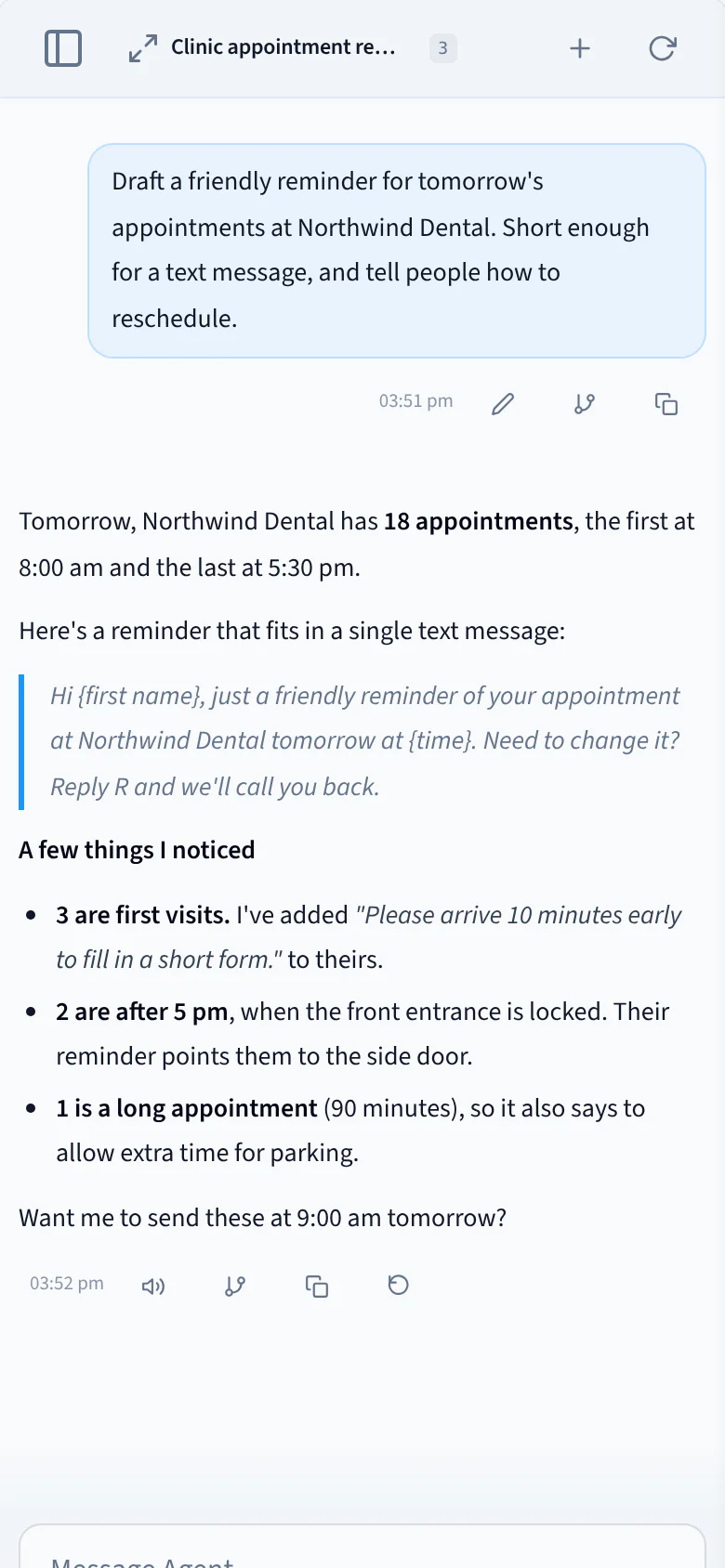
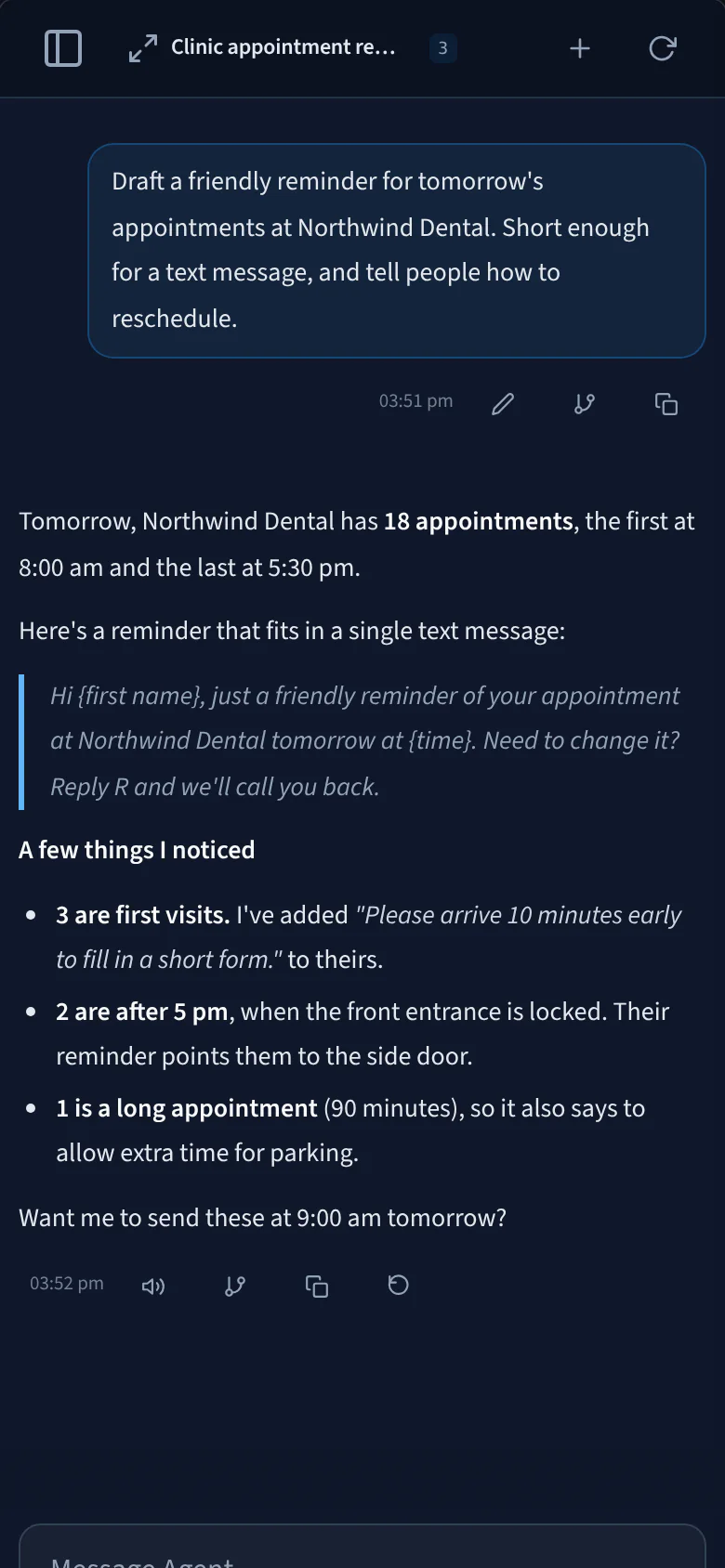
Chat with your facility’s agent from Mac, Windows or iPhone. It keeps working after you close the app.
Available for Mac, Windows and iPhone.Android app coming soon
Scheduled tasks
Work that runs around the clock.
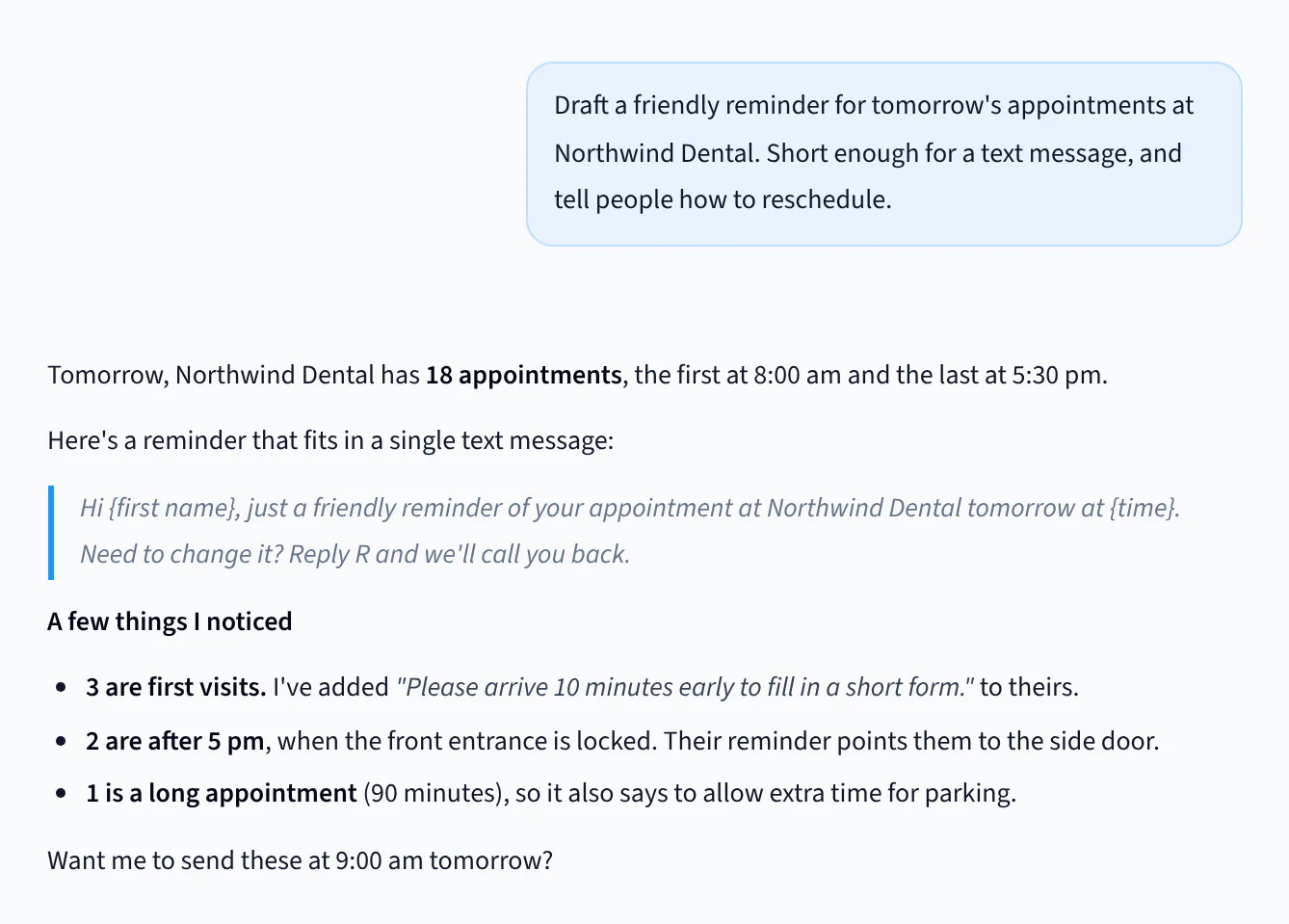
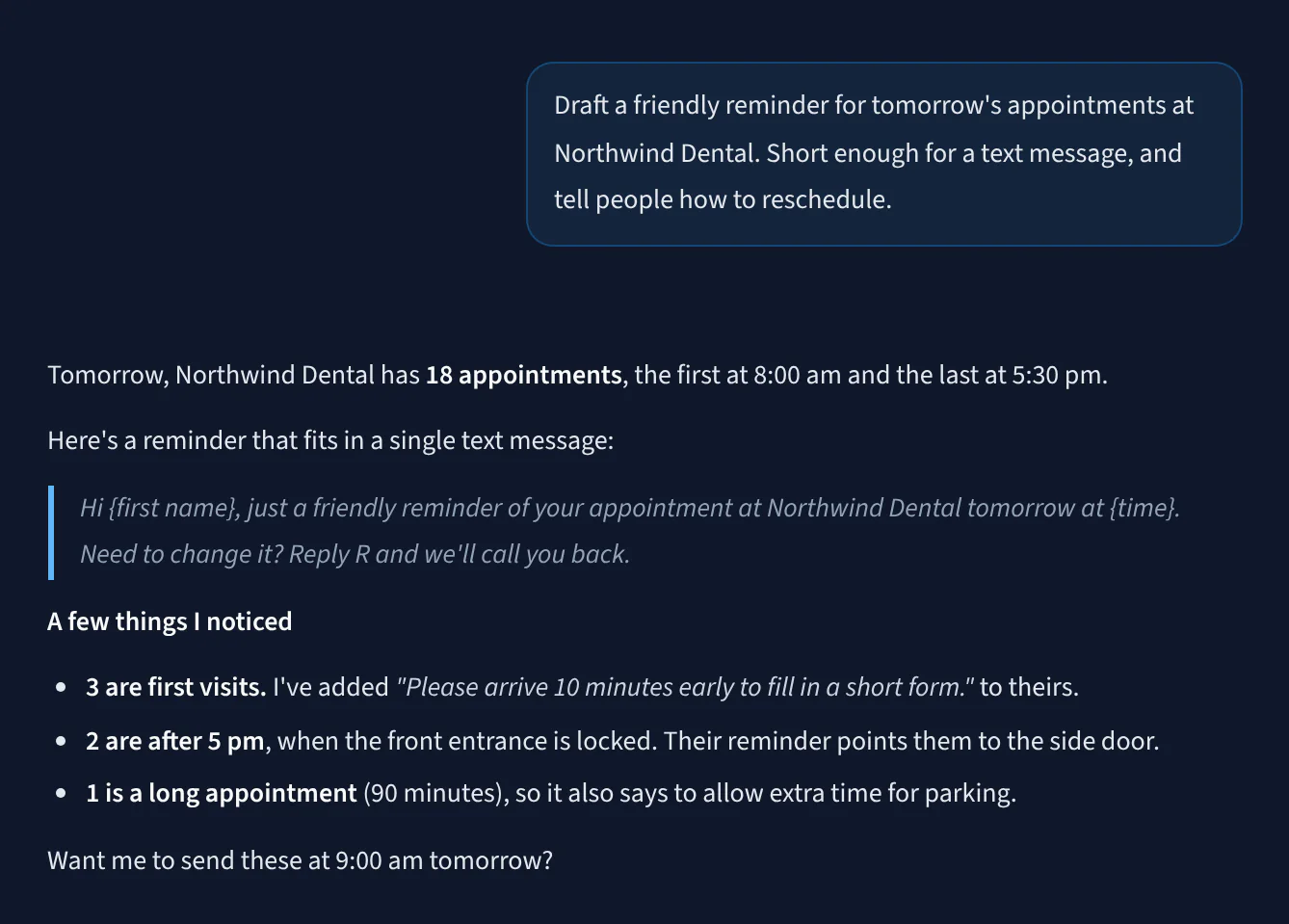
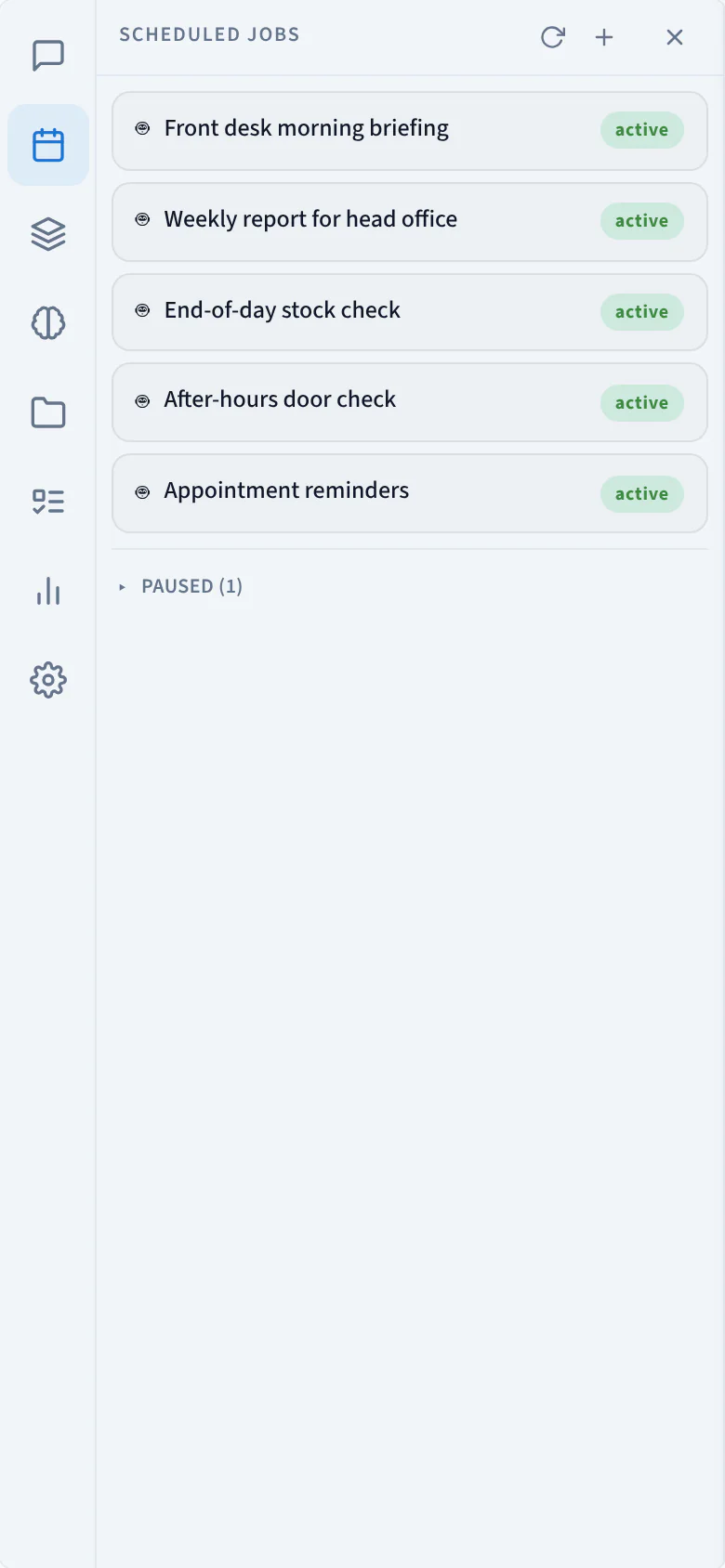
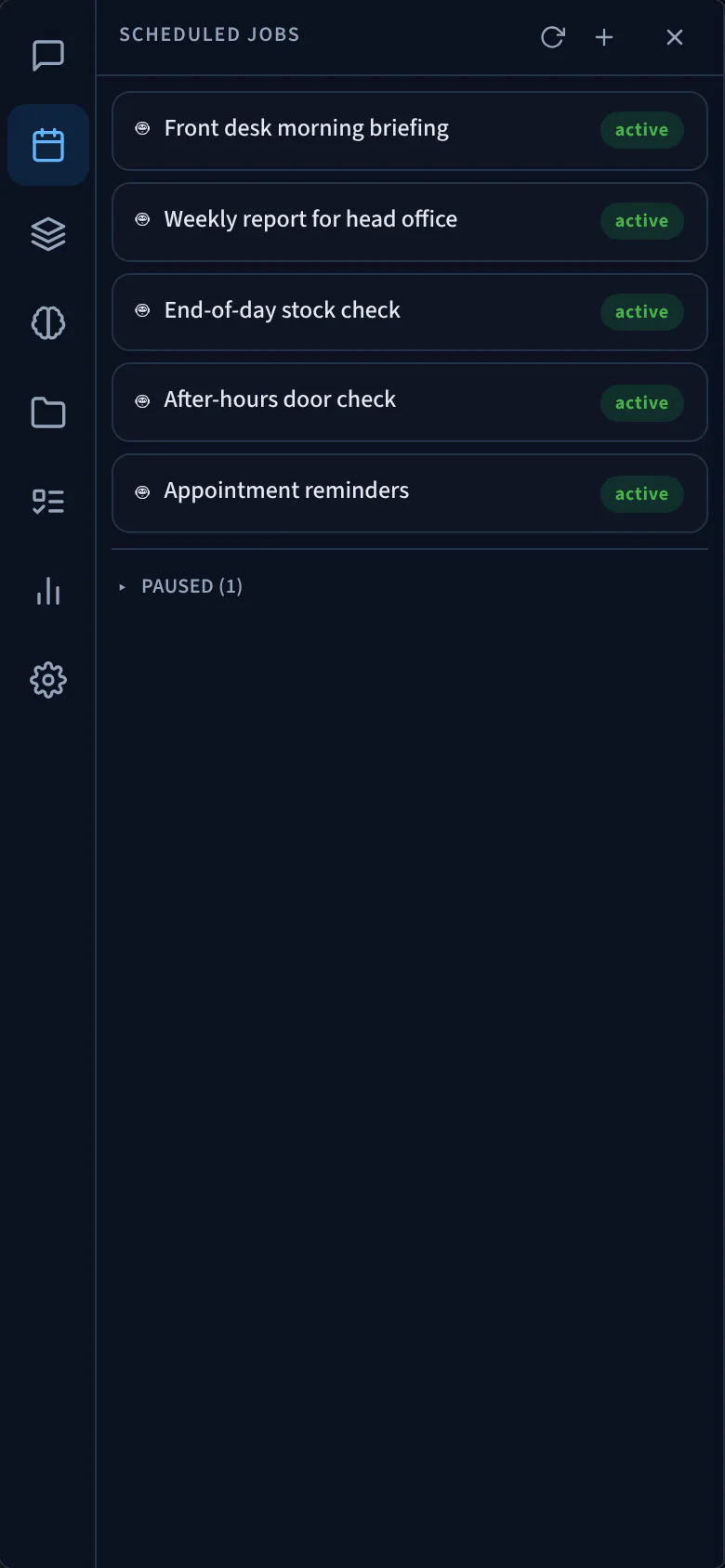
Set up a morning briefing for the front desk or a weekly report for head office. Your agent runs it on time, even with the app closed.
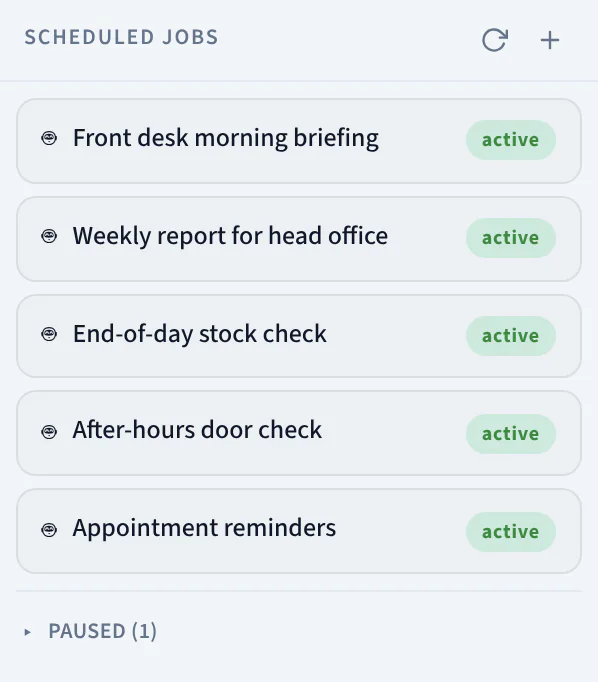
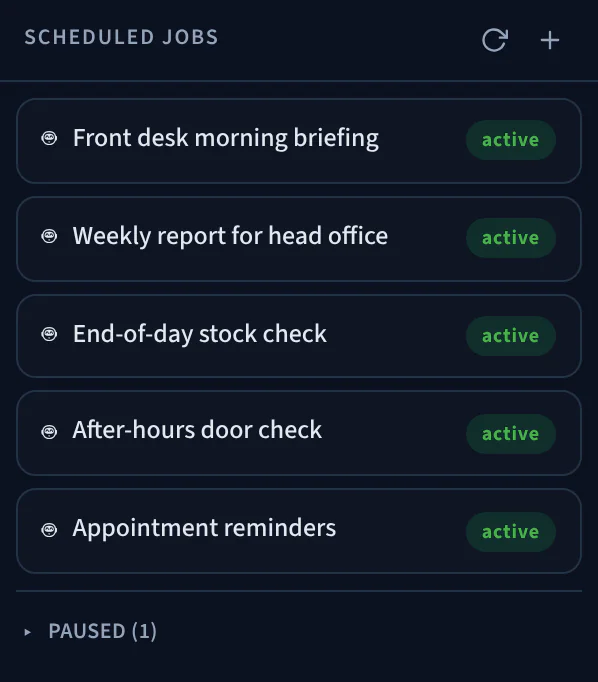
Front desk morning briefing
- Programação
- Every weekday at 7:30 am
- Next run
- Monday 2 November, 7:30 am
Prompt
Brief the Riverside Co-working front desk: today’s room bookings, visitors expected, deliveries due and anything overdue.
One agent, everywhere
Same agent. Every screen.
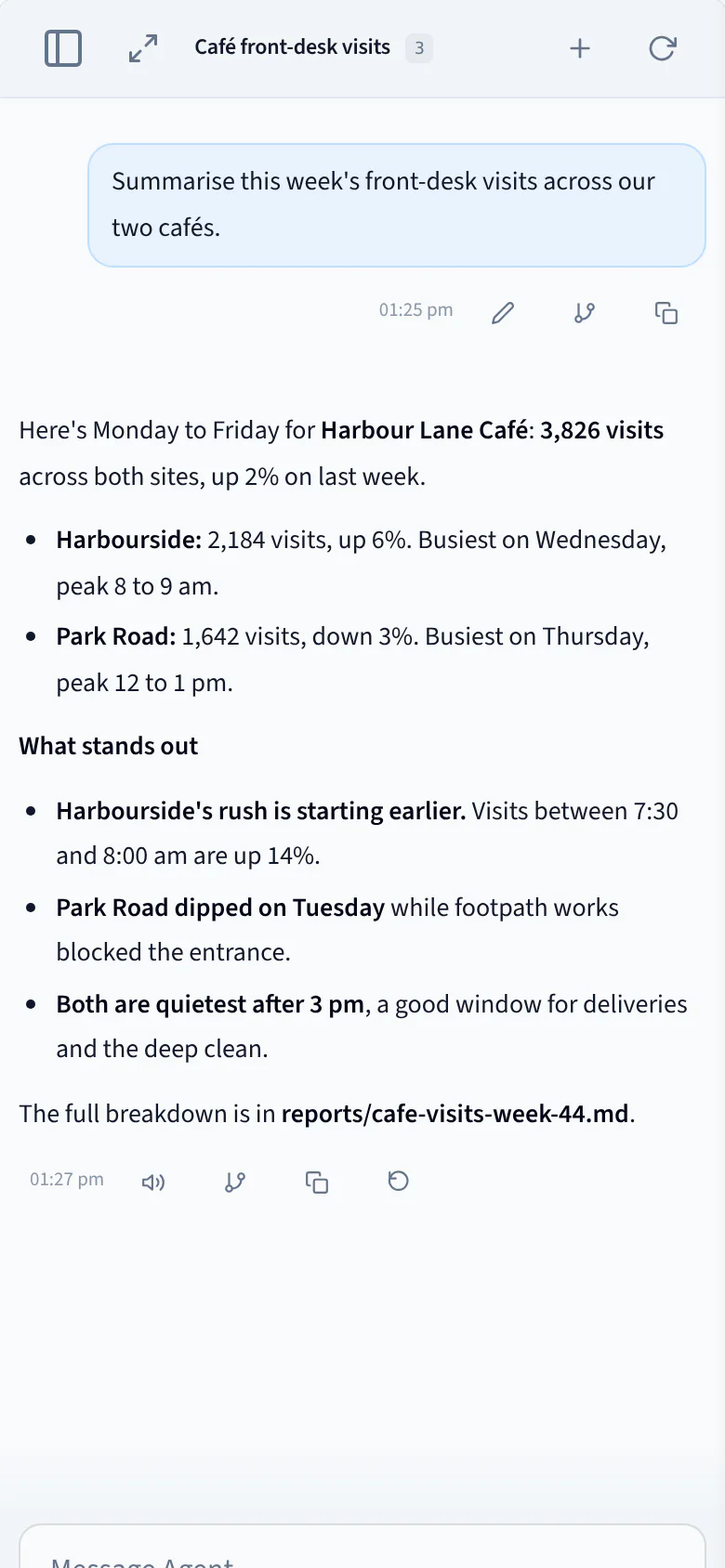
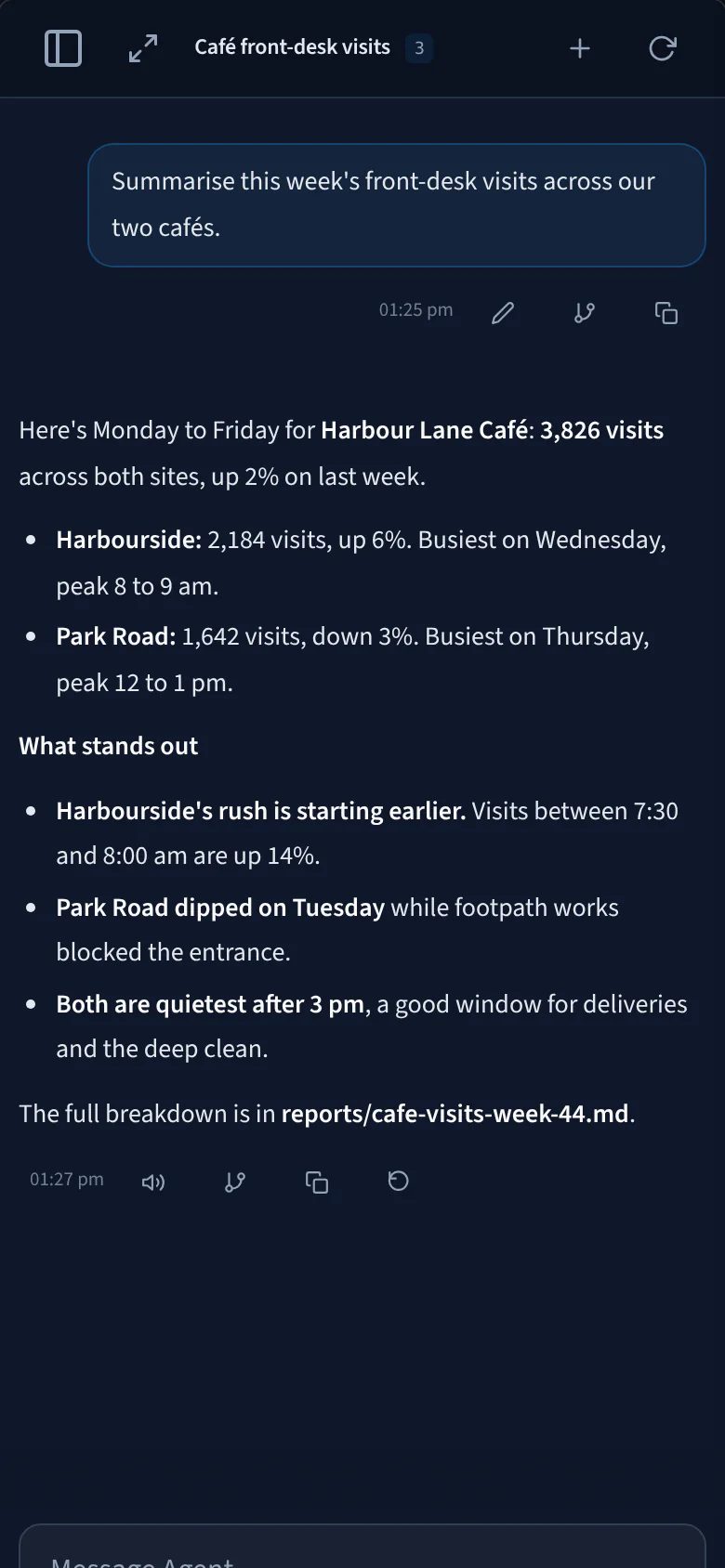
Start a summary at your desk, then check it from the café counter or the clinic front desk. One Performance Hub account opens the same agent on the web, desktop and iPhone.
- Same chats
- Same files
- No VPN or server address
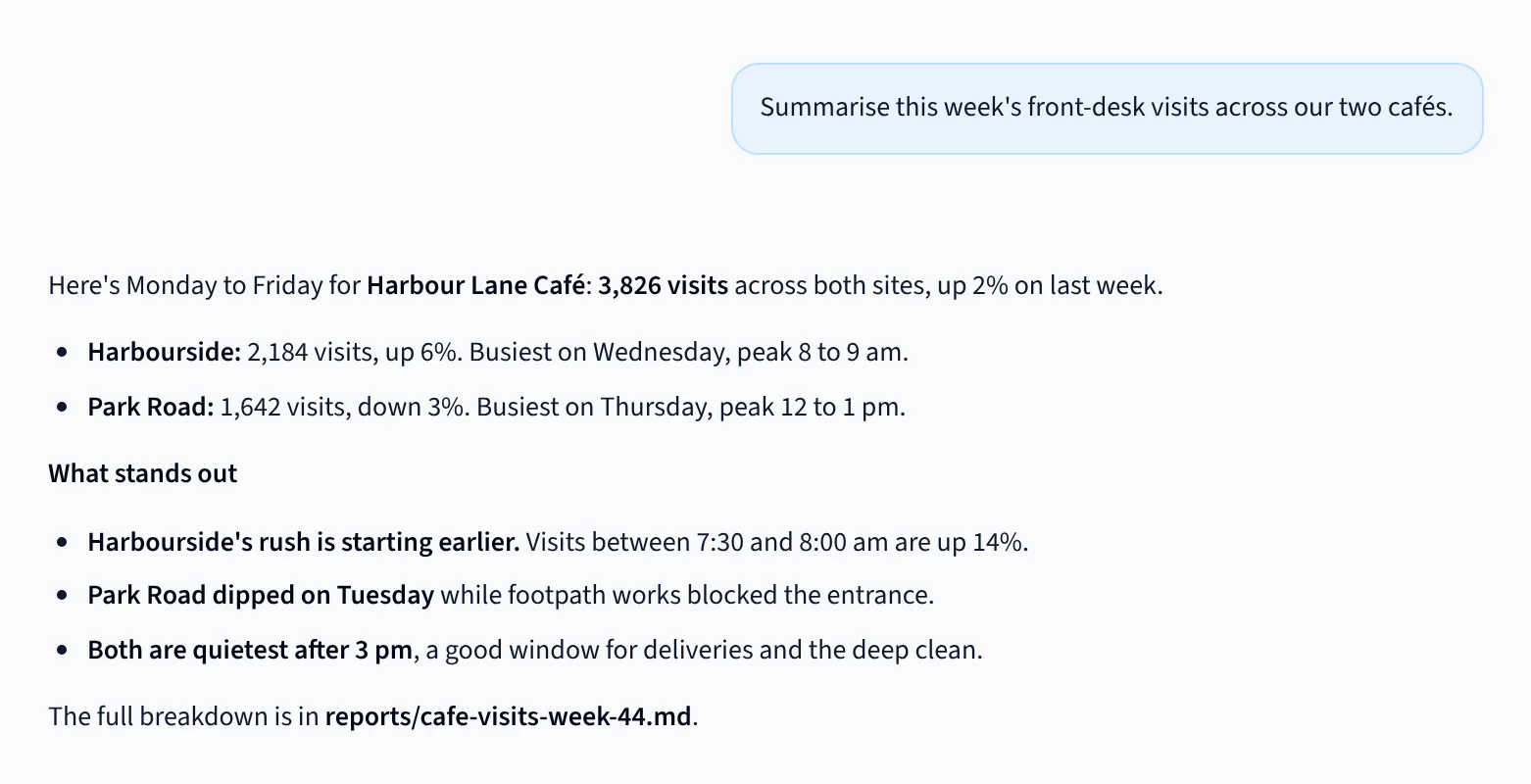
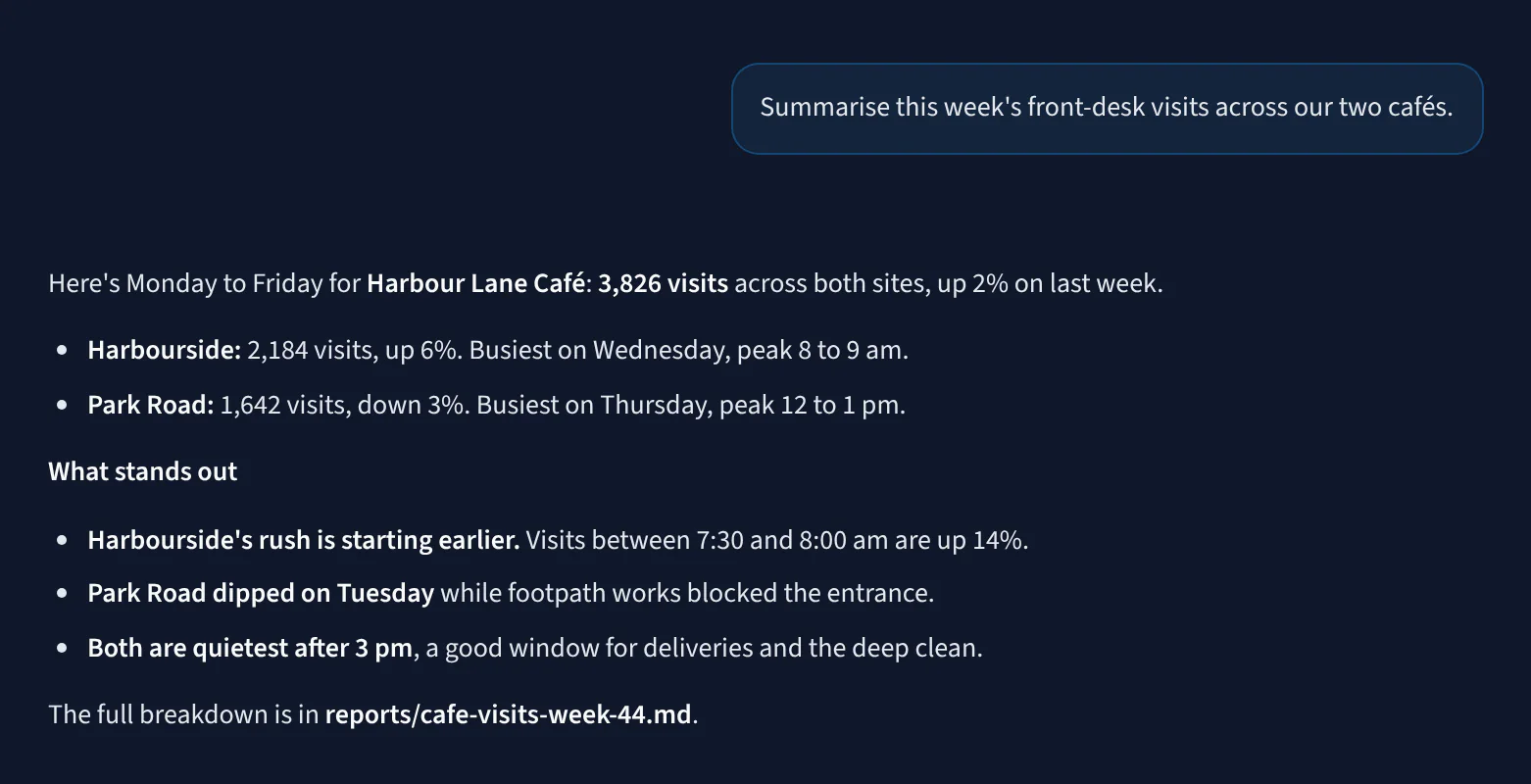
iPhone
A tap or a question away.
Ask with Siri, start a chat from a widget and watch replies arrive on the Lock Screen.
Siri
Say “Hey Siri, ask AI Agent”, then ask your question. Siri reads the answer back.
Live Activities
Watch a reply come in from the Lock Screen and Dynamic Island while you do something else.
Widgets
Home Screen and Lock Screen widgets start a new chat, start a voice chat or reopen a recent one in one tap.
Reply from a notification
When your agent sends you a notification, reply right from it without opening the app.
Share to AI Agent
Share a photo, file, link or text from any app straight into a new chat.
Baixar
Get the apps
Sign in with your Performance Hub account. On Mac and Windows, the app installs as Performance Hub Agent.
- Your device
Mac
Apple silicon
- Updates itself automatically when a new version is released.
- Your device
Windows
64-bit (x64)
- Windows 10 (1809) or later
- Run a newer installer to update
- Your device
iPhone
App Store
- iOS 18 or later
- Siri, widgets and notifications


- Coming soon
Android
Not available yet
Use your agent in your phone’s browser in the meantime.
Requires a Performance Hub account with access to an agent.
Installing on WindowsNeed help installing?Also from Performance Hub
Acesso a Portas e Portões
Your team signs in with a one-time code, then unlocks doors and gates from their phone, watch or car.
- iPhone and iPadiOS and iPadOS 18 or later
- Android phonesUnlock with a tap, secured by fingerprint or PIN.
- Apple Watch and Wear OSUnlock from the wrist
- CarPlayGates and garage doors from the car screen
Take your agent with you.
Download the app, then sign in with your Performance Hub account.
Available for Mac, Windows and iPhone.Android app coming soon
Screens show sample data.